



- Brand
- Unknown
- Category
- Pending
- Primary Subcategory
- Pending
Integration details
Description
Deliverability AI WarmInboxes provides read-only email deliverability diagnostics, DNS and authentication checks, lead CSV cleaning and segmentation, cold email copy analysis, and sending infrastructure estimates using the existing Warm Inboxes MCP server. No API key or login is required. It cannot send emails, change DNS, buy inboxes, or guarantee inbox placement. Spamhaus DBL is not queried: its status is not checked. Verify it at https://check.spamhaus.org.
- Integration type
- Plugin
- Verification status
- Not applicable
- Platform
- ChatGPT
- Category
- Pending
- Primary Subcategory
- Pending
- Secondary Subcategories
- None listed
- Brand
- Unknown
- Access
- No account required
- First tracked
- 2026-11-05
- Tool count
- 52
- Market
- US
The broad Category that contains the Primary Subcategory.
The Primary Subcategory used for this profile’s headline score.
Other Subcategories where the Integration is listed.
 Agent Discoverability
 ChatGPT Plugin Discovery Score
Your score is coming
ChatGPT now suggests Plugins on its own when they match a user's request.Your Plugin Discovery Score measures how often yours appears, and it will show here as soon as it’s ready.
What discovery looks like
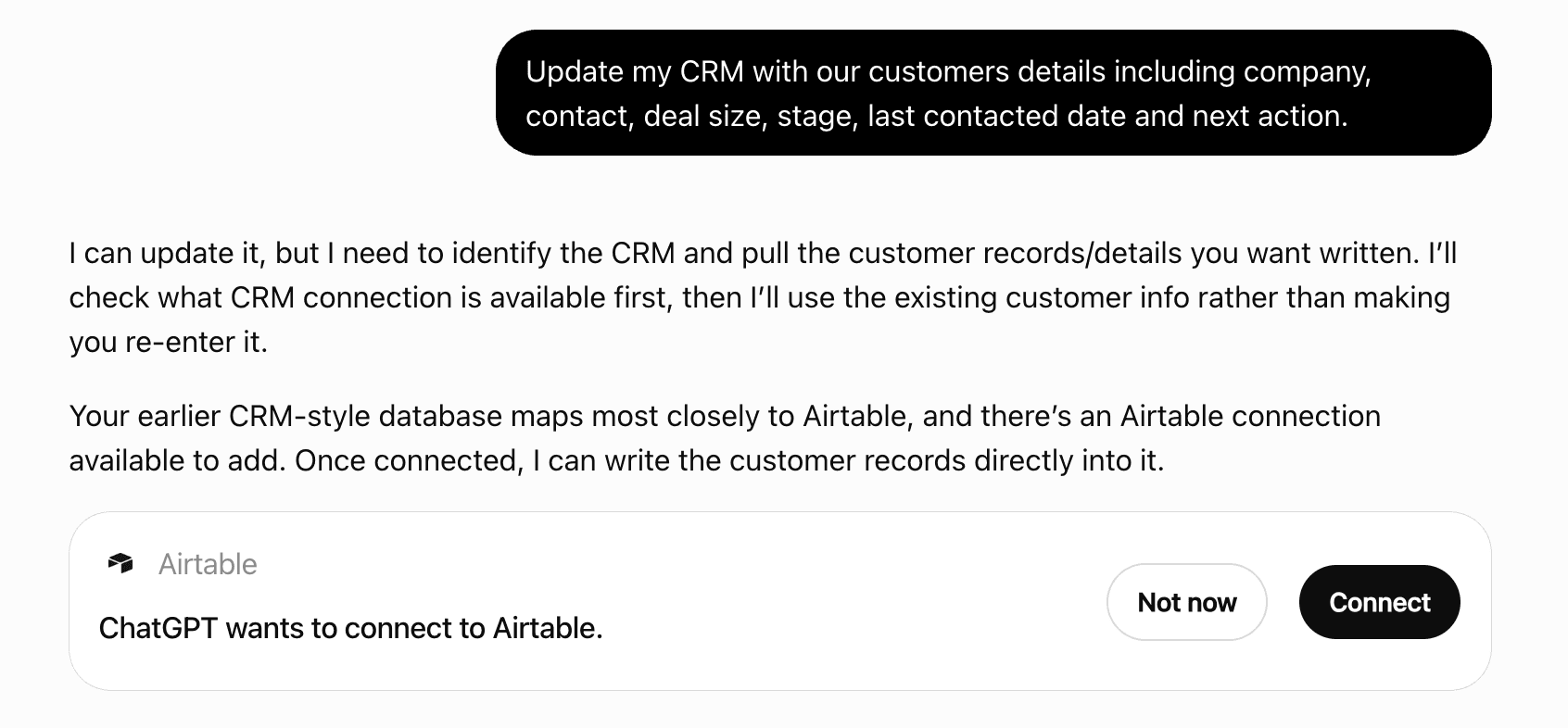
Get alerts for Deliverability AI WarmInboxes
Get updates when Deliverability AI WarmInboxes’s Discoverability Score or category rank changes.
Competitive lineup
52 tools agents can invoke
Validate a domain's BIMI record, the logo SVG, the VMC, and the DMARC enforcement level Gmail requires before it will show a brand logo.
check_bimi
Check a domain or IP against 20+ major email blacklists (Spamhaus, Barracuda, SORBS and others) and report which list it appears on.
check_blacklist
Classify bounce messages (NDRs): invalid address, full or disabled mailbox, reputation block, authentication failure, throttling, content block or configuration, each with whether it is hard, soft or a block, why it happened and what to do. Separate several bounces with a blank line.
analyze_bounces
Directs the person to the external Burned Inbox Checker at https://burnedinbox.com. Does not itself determine whether an inbox or domain is burned; the result gives the link and names the checks here that answer part of the question (check_domain_reputation, check_deliverability).
burned_inbox_guidance
Build a CAN-SPAM and GDPR compliant opt-out footer in plain text and HTML, with a checklist saying which compliance requirements the details given actually satisfy. A footer with no postal address is the usual failure.
generate_unsubscribe
Follow a host's full CNAME chain and flag the mistakes that break a cold-email tracking domain. Pass expected to assert where the chain should end up.
check_cname
Check the domain a campaign's tracked links point at: whether it resolves, serves a valid certificate, is listed on SURBL, sits on a listed address, belongs under the sending domain, and whether it is a platform's shared tracking host. A listed tracking domain is in the body of every message, which is what content filters hash.
check_tracking_domain
Score a cold email's copy 0-100 for spam risk before it is sent: weighted trigger words by category and severity (subject hits weigh extra), ALL-CAPS, links and shorteners, currency and percent-off offers, obfuscated spellings, missing personalisation or opt-out, length. Returns each finding with how much it cost and how to fix it. Content only: it cannot see reputation or authentication.
analyze_cold_email
Directs the person to Cold Email AI, the WarmInboxes cold email writing assistant at https://warminboxes.com/AI (a custom GPT on ChatGPT). Does not generate email copy itself; the result gives the link and names the tools here that check a draft (analyze_cold_email, preview_inbox, expand_spintax).
cold_email_writing_resources
Merge several lead CSVs into one, matching columns that mean the same thing (Email, email_address, E-mail), optionally removing duplicate emails and adding a column for the file each row came from. Returns the combined CSV when it is 500 rows or fewer. POST JSON: files is an array.
combine_csvs
Find and validate a domain's DKIM signing key, including key strength. Leave selector empty to auto-scan 26 common selectors (google, selector1, k1, and the rest). When no key is found, reports whether the selectors are delegated by CNAME to a provider that has not published one — the usual Microsoft 365 failure, where the records are right but signing was never switched on.
check_dkim
Read DMARC aggregate (rua) reports and say who is sending as the domain and what fails: messages passing and failing, failures that are alignment only, quarantined and rejected counts, and each sending IP with its SPF and DKIM outcome, failing senders first. Takes the report XML, several of them, or a .gz report as base64. Duplicate reports are counted once.
analyze_dmarc_report
Look up and parse a domain's DMARC record: policy, subdomain policy, percentage, alignment and reporting tags, each explained. p=none (monitoring) passes: it meets Google and Yahoo's requirement and is fine for broad cold email. p=quarantine is the step for stricter enforcement; do not tell someone p=none is broken.
check_dmarc
Query any DNS record type for a domain: MX, TXT, A, AAAA, CNAME, NS, SOA, CAA.
check_dns
Grade a domain A-F for cold email readiness. Checks SPF, DKIM, DMARC, MX, blacklists and domain age together and returns a weighted score with a per-check breakdown and what to fix. Start here for open-ended "is this domain any good" questions.
check_deliverability
Get a domain's registrar, creation date, expiry date and days remaining, over RDAP with a WHOIS fallback for ccTLDs that publish no RDAP service. Domain age is one of the strongest cold-email risk signals.
check_domain_expiry
Split a list of domains by the email provider behind them (Google, Microsoft, a security gateway, or another provider) from their MX records. WarmInboxes routes Google-hosted recipients to Google Workspace inboxes and everyone else to Azure; plan_from_list sizes that split.
segment_esp
Read an email's HTML. Returns its size against Gmail's ~102 KB clipping limit with what is taking the room, every link and image host, tracking pixels, URL shorteners, and each linked domain checked against SURBL. Parsed inertly: nothing loads, no pixel fires, no link is followed. The SURBL lookups count against the daily free limit; set scan to false to skip them.
analyze_email_html
SPF, DKIM, DMARC, MX, BIMI and MTA-STS for one domain in one call, each judged pass, weak, fail or not set, with the essentials separated from the optional records. BIMI and MTA-STS are optional and come back "absent", never failed. Use it when someone has been told to "fix their email authentication" and does not know which record that means.
check_email_authentication
Read a received message's raw headers. Returns the SPF, DKIM and DMARC verdicts the receiver recorded, which domains authenticated and whether they align with the From domain (why DMARC failed on a message that "passed"), the relay hops and delays, the sending IP, plain-English issues, and whether the List-Unsubscribe headers satisfy one-click (RFC 8058). Text only: nothing is looked up or stored.
analyze_headers
Check email addresses for syntax, live MX records, disposable providers and role prefixes (info@, sales@). Does not open SMTP connections, so catch-all domains come back valid.
verify_email
Price an email verification waterfall: the list run through verifiers in sequence with unknowns passed down the chain, every order compared, cheapest cost per usable email first. Uses typical figures for three verifiers unless you pass your own prices and resolve rates (POST JSON for verifiers).
plan_verification_waterfall
Estimates a sending fleet for a recipient list. Looks up the MX records of up to 100 recipient domains (or addresses) to measure the Google / Microsoft / other mix, then sizes a Google Workspace pool for the Google recipients and an Azure pool (Microsoft 365 with microsoftEsp) for the Microsoft ones: inbox count, domain count, per-inbox pace and monthly cost for each, plus totals. Recipients that are neither (gateways, self-hosted, no MX) are added to the Google pool and their share is reported, because what sits behind a gateway cannot be seen from MX. For a longer list, send a sample: the estimate follows the provider split, not the list length. Assumes no reserve capacity. A planning estimate only: it does not provision or order anything. The result describes how an order is placed: a first order in the WarmInboxes app, later ones through the WarmInboxes purchasing API.
plan_from_list
Searches WarmInboxes' own catalogue of about 1,000 free B2B lead lists, by industry, role and country, as published at https://warminboxes.com/leads. It does not search the web or any other database. Returns the best-matching lists with lead counts, verified email counts and each list's page. Lists are emailed to the person from that page; this tool cannot request or download a list.
find_lead_lists
Find the WarmInboxes free tool for a task ("check my email headers", "clean a CSV", "will this land in spam") and say how to use it: the MCP tool to call here, or the page to send the person to when it runs only in the browser. Call with no task to list every tool.
find_tools
The bulk sender requirements, sorted honestly: SPF, DKIM, DMARC and MX checked from DNS; forward and reverse DNS when given the sending IP; one-click unsubscribe and From alignment when given a received message's raw headers; and the requirements no outside tool can see (complaint rate, per-connection TLS) named as not checked rather than passed.
check_bulk_sender_requirements
Tell whether a domain is already attached to a Google Workspace account, or is clear for a fresh Google tenant.
check_google_domain
Search what WarmInboxes publishes: cold email guides, deliverability playbooks, original studies and their datasets, costed infrastructure recipes, tool demo videos, inbox guides per sequencer and AI agent, provider comparisons, Claude skills, the changelog, and the offer and about pages. Searches titles and full text, and each match carries the passage that best answers the query. It holds WarmInboxes' own measurements (monthly inbox placement tests, sender reputation by TLD, a SURBL study) as well as guides. read_resource returns a whole page.
find_resources
Returns WarmInboxes' diagnostic playbook for a cold email problem: the questions to ask the person, the checks to run in order from cheapest to most expensive (with the tool for each), what WarmInboxes' published studies measured a finding to cost (for example that a SURBL listing left reply rate flat, while Google's domain-reputation refusal cost about 43% of replies), the guides and studies to read with full URLs, and the evidence that would make new domains or inboxes the right fix. Give a symptom in the person's words, or a scenario id; with neither it lists the scenarios. Runs no check and looks nothing up.
get_diagnostic_playbook
Show how a cold email's sender name, subject line and preview text are cut off in Gmail desktop, Gmail mobile and Outlook, with warnings (no sender name, all caps, empty preview, etc.). Use it to check a subject line fits before sending.
preview_inbox
Suggests a two-batch inbox rotation schedule: the fleet split in half, one batch sending while the other rests, swapped every 1, 2 or 4 weeks. Returns batch sizes, the daily load per active inbox compared with a 15-a-day pace, how many inboxes the volume needs at that pace, and an eight-week calendar. A suggested schedule only: it does not pause, resume or change any inbox or sequencer.
plan_rotation
Estimates how many inboxes and domains a daily cold email volume needs and the monthly cost at WarmInboxes' published prices. Inputs: emailsPerDay; optionally the provider (esp), prewarmed or fresh, billing cycle, emails per inbox per day and inboxes per domain. With dealValue (and optionally closeRate and positiveRate) it adds a revenue and ROI projection from those inputs. Assumes the provider's default daily pace per inbox unless emailsPerMailbox is given, and 22 sending days a month. The result is a planning estimate: it orders nothing, does not guarantee placement or replies, and its revenue figures follow only from the rates supplied.
plan_infrastructure
For "this domain used to land and now it does not". Checks the domain against SURBL, its authentication, its age and the address its website resolves to, and returns a verdict by elimination (listed, broken, young, clean or unknown) with what it rules out. No reputation score: receivers hold that privately. The Spamhaus DBL needs a paid key and is reported as not checked, never as clean.
check_domain_reputation
Clean a lead CSV: malformed, duplicate, role-based (info@, sales@) and disposable addresses removed, with a count for each reason. Returns the cleaned CSV when it is 500 rows or fewer; a larger file is summarised and the person is sent to the page to download the full result. Does not verify mailboxes exist.
clean_csv
Validate a domain's _mta-sts DNS record and its published policy file: mode, MX patterns, max_age and TLS-RPT.
check_mta_sts
Look up a domain's MX records with priorities and resolved IPs, and identify the mailbox provider (Google Workspace, Microsoft 365, Zoho, Fastmail and others) and any security gateway in front of it (Mimecast, Proofpoint, Barracuda and others). Pass `domains` instead of `domain` for up to 100 at once, which also returns a provider breakdown. Reports a null MX (RFC 7505) rather than treating it as a broken record, and does not guess the provider behind a gateway, because that is not observable from the MX.
lookup_mx
Read the spam verdict Microsoft 365 or Outlook stamped on a delivered message: SCL (spam confidence), BCL (bulk), PCL, SFV, the category, and the SPF, DKIM, DMARC and composite authentication results, each explained. Use it when mail lands in Outlook junk. For Gmail or any provider's routing and alignment, use analyze_headers.
analyze_microsoft_headers
Get the NS records and the DNS provider behind one domain or a whole list. Useful for working out who actually controls a domain's DNS before trying to fix its records.
check_nameservers
Audit a cold email campaign before launch: the lead CSV and the sequence checked together for merge tags with no column or empty values, variable syntax the sequencer will not parse, role and disposable addresses, duplicates and too many contacts per company, plus a send forecast from the sending settings. Pass the CSV text and every step of the sequence.
audit_campaign
Prices a given number of inboxes at WarmInboxes' published prices: the domains (or Azure tenants) they sit on, daily sending capacity at the provider's pace, monthly cost and delivery time. Use it when the person already knows the count ("preview 100 inboxes"); for a send volume use plan_infrastructure. Azure is sold by the tenant, so a count that does not fill one is quoted for the tenants it needs, with a note. A quote only: it orders nothing, and the exact preview with real domain and mailbox names is in the app or on WarmInboxes Infrastructure MCP.
quote_inboxes
The WarmInboxes price list as data: prewarmed and fresh inboxes on Google Workspace, Microsoft 365 and Azure, every billing cycle, the safe daily send pace per inbox, and delivery time. For a costed fleet for a volume, use plan_infrastructure.
get_pricing
Read a WarmInboxes guide, study, playbook, dataset, recipe, comparison or changelog entry in full, as markdown. Long pages come in parts split at headings: the first call says how many, and nextPart gives the one to ask for. Datasets also return their data as JSON. Use the url find_resources gave you.
read_resource
The PTR record for an IPv4 or IPv6 address, and the forward lookup that decides whether it counts. Reverse DNS is delegated to whoever holds the address block, so a PTR alone proves nothing — the operator of an IP can point it at any hostname, including one they do not own. Only the round trip is evidence: PTR names a host, that host resolves back to the same address. That pair is forward-confirmed reverse DNS (FCrDNS), it is what Google and Yahoo mean when they list forward and reverse DNS among their bulk sender requirements, and it is what `fcrdns` reports. Over IPv6 it is stricter still: Gmail rejects IPv6 mail from an address without it, where the same mail over IPv4 would be accepted. Reports a missing PTR separately from a PTR that fails to confirm, because the fixes differ and only the address block's operator — usually the hosting provider, not the sender — can set either.
check_rdns
Write an SPF record from the providers that send for a domain (with an estimate of its DNS lookups against the limit of 10), a DMARC record from a policy, and where a provider publishes DKIM. Returns host, type and value to publish. It writes records; to check what is published, use check_spf, check_dmarc and check_dkim.
generate_dns_records
Look up a domain's SPF record and validate it, including the recursive DNS lookup count that silently breaks SPF past 10.
check_spf
Check domains against the SURBL URI blacklist in bulk. URI blacklists list the domains that appear inside a message body, so a listed tracking or landing domain sends the whole email to spam however clean the sender is. Up to 100 domains per call.
check_surbl
Rename a lead CSV's columns to the fields a sequencer imports (Instantly, Smartlead, EmailBison, or generic snake_case). Every row and column is kept; only the header changes, and columns with no standard field keep a snake_case name for custom variables. Returns the mapping, and the converted CSV when it is 500 rows or fewer.
convert_csv
Explains how to check a domain on the Spamhaus Domain Block List by hand at https://check.spamhaus.org. Does not query the Spamhaus DBL (it needs a paid key) and never returns a listing verdict: the result states that nothing was checked, gives Spamhaus's own lookup, and names the blocklist checks this server does run (check_surbl, check_blacklist).
spamhaus_dbl_guidance
Expand a spintax template such as "{Hi|Hey} there" and render its Liquid merge tags, returning the total number of variations, every variable the template references, any variable with no value and no default, and a set of rendered samples. Use it to check a sequence before it sends.
expand_spintax
Check a campaign list against a do-not-contact list before sending: exact email matches and, optionally, whole suppressed domains, with a per-company cap. Returns what was removed and why, and the clean CSV when it is 500 rows or fewer.
check_suppression
 Recommended guideHow to get your ChatGPT Plugin suggestedFollow the practical steps agents use to find, shortlist, and choose your Plugin.Read guide
Deliverability AI WarmInboxes ChatGPT Plugin FAQ
How the directory, categories and Discoverability Score work.
Read the methodologyHow do I improve Deliverability AI WarmInboxes's ChatGPT Plugin discoverability?
The levers are the listing surface agents actually read: names, descriptions, keywords, tool metadata, and registry health. Which lever matters depends on where discovery breaks, which is what continuous measurement shows.
Where is this profile measured?
This profile uses the geography attached to the latest public registry snapshot: US. Locale tags are intentionally omitted.