



 View in the ChatGPT registry
- Brand
- Unknown
- Category
- Pending
- Primary Subcategory
- Pending
Integration details
Description
Control your own Mac, Windows PC or Linux computer through ChatGPT using EXZA Remote. Connect an authorized device to inspect system status, list and search approved folders, read and edit text files, organize files, create basic PDFs, and manage supported applications or terminal processes. Set up the local EXZA Remote Connection client, sign in to your EXZA account and pair the computer with a six-digit PIN when needed. Press Y once in the physical computer terminal to approve the verified account and computer access for that terminal session, or N to deny. Previously paired devices require a fresh Y/N decision after restarting the terminal. Closing or disconnecting the terminal stops remote access. Computer and file operations are still protected by scoped OAuth permissions, ChatGPT's app/tool approval settings and operating-system security controls. Terminal execution, email sending, clipboard access and desktop input can be sensitive, and some features require additional macOS accessibility permissions. Windows and Linux desktop behavior varies by system. Only basic text-based PDF creation is currently supported; do not assume unrestricted access or native image-file viewing.
- Integration type
- Plugin
- Verification status
- Not applicable
- Platform
- ChatGPT
- Category
- Pending
- Primary Subcategory
- Pending
- Secondary Subcategories
- None listed
- Brand
- Unknown
- Access
- Account required
- First tracked
- 2026-11-13
- Tool count
- 59
- Market
- US
The broad Category that contains the Primary Subcategory.
The Primary Subcategory used for this profile’s headline score.
Other Subcategories where the Integration is listed.
 AgentDiscoChatGPT Plugin Discovery Score
Not discoverable in ChatGPT yet
ChatGPT now suggests Plugins on its own when they match a user's request, but not every Plugin is being surfaced yet.We haven’t seen EXZA Remote – Computer Control suggested yet. Sign up and we’ll track it, and your Discoverability Score will appear here once ChatGPT starts surfacing it.
What discovery looks like
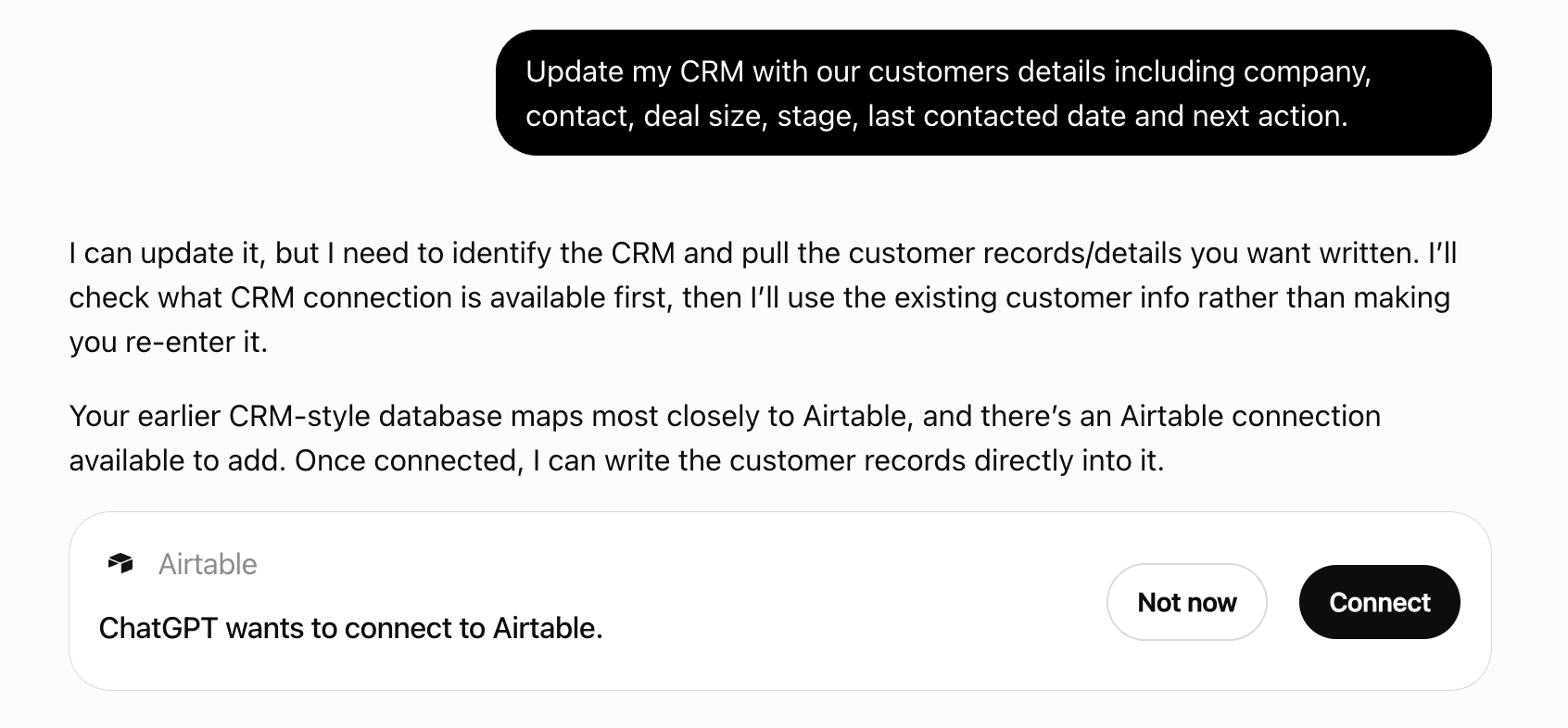
Get alerts for EXZA Remote – Computer Control
Get updates when EXZA Remote – Computer Control’s Discoverability Score or category rank changes.
Competitive lineup
59 tools agents can invoke

EXZA Remote – Computer Control ChatGPT Plugin FAQ
How the directory, categories and Discoverability Score work.
Read the methodologyHow do I improve EXZA Remote – Computer Control's ChatGPT Plugin discoverability?
The levers are the listing surface agents actually read: names, descriptions, keywords, tool metadata, and registry health. Which lever matters depends on where discovery breaks, which is what continuous measurement shows.
Where is this profile measured?
This profile uses the geography attached to the latest public registry snapshot: US. Locale tags are intentionally omitted.