



ARKI
Find your firm's Revit details and draw new 2D drafting details in Revit, right from Claude.
 View in the Claude registry
- Brand
- Unknown
- Category
- Pending
- Primary Subcategory
- Pending
Integration details
Description
ARKI is a productivity tool for architects and BIM managers. It brings your firm's library of 2D details, sections and drawings into Claude: find a detail from past projects, check your firm's drafting standards, preview a new detail as an image, or draw an editable 2D drafting view straight into your open Revit project. What ARKI can do: - Search and browse your firm's ARKI library, with filters for project, discipline, view type and more - List your firm's drafting standards and a drawing guide - Preview a draft detail as an image, without Revit - Draw a new 2D drafting view in your open Revit project, report its status and show an image of the result ARKI only adds new drafting views; it never edits or deletes model elements, sheets or other views. Every drawing is a draft for a qualified professional to review before use. Requirements: an ARKI account with an active seat at a firm licensed for ARKI (book a demo at getarki.com). Searching, browsing and previewing work without Revit; drawing needs Autodesk Revit open with the ARKI add-in.
- Integration type
- Connector
- Verification status
 Community connector
- Platform
- Claude
- Category
- Pending
- Primary Subcategory
- Pending
- Secondary Subcategories
- None listed
- Brand
- Unknown
- Access
- Account required
- First tracked
- 2026-11-12
- Tool count
- 11
- Market
- US
The broad Category that contains the Primary Subcategory.
The Primary Subcategory used for this profile’s headline score.
Other Subcategories where the Integration is listed.
 AgentDiscoClaude Discoverability Score
Claude Connector discovery is coming soon
Community Connectors only appear in Claude’s registry.Once verified, organic discovery begins and we can calculate your score.Read more about Community Connector verification.
No spam. Unsubscribe any time.
What discovery looks like
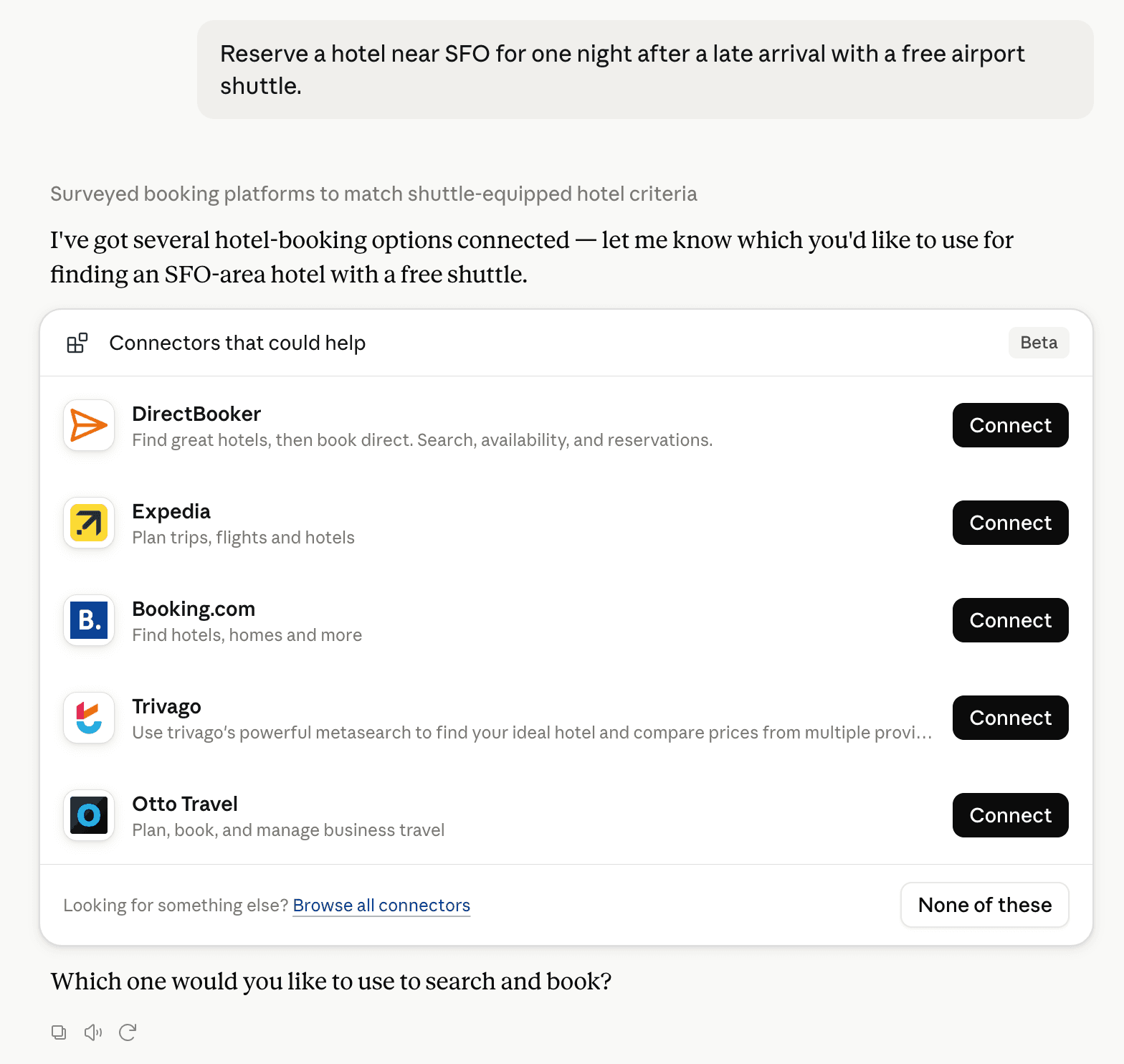
Claude can surface verified Connectors when they match a user’s Prompt.
How Claude Connector discovery works
Your Connector will compete to appear for users’ Prompts once Claude verifies it
Competitive lineup
11 tools agents can invoke

ARKI Claude Connector FAQ
How the directory, categories and Discoverability Score work.
Read the methodologyHow do I improve ARKI's Claude Connector discoverability?
The levers are the listing surface agents actually read: names, descriptions, keywords, tool metadata, and registry health. Which lever matters depends on where discovery breaks, which is what continuous measurement shows.
Where is this profile measured?
This profile uses the geography attached to the latest public registry snapshot: US. Locale tags are intentionally omitted.