



Qikify Checkout Customizer
Let AI read and manage your Shopify checkout: extensions, branding, payment and shipping rules, validations and analytics — by asking in plain language.
 View in the Claude registry
- Brand
- Unknown
- Category
- Pending
- Primary Subcategory
- Pending
Integration details
Description
Qikify Checkout Customizer is a Shopify app that lets merchants customize their entire checkout: upsells, add-ons, custom fields, trust widgets, payment and shipping rules, validations and branding — built on Shopify Checkout Extensibility. Some features require Shopify Plus. This connector lets your AI assistant work directly with your store's Qikify Checkout setup. What you can do Read (no changes to your store): • See every checkout extension (product offers, add-ons, custom fields, widgets) with its status, schedule and display conditions. • Understand why an extension is or isn't showing: publish state, conditions, plan limits. • View branding settings, translations, and publication status. • List payment and shipping rules and checkout validations. • Look up store data: products, collections, discounts, B2B companies, markets and locales. • Check analytics: checkout performance and per-offer metrics (views, clicks, orders, revenue). Write (when you grant edit permission): • Update checkout branding: colors, fonts, logo and background image. • Create, edit, enable, disable or delete payment rules (hide, rename, reorder methods by conditions). • Create, edit, enable, disable or delete shipping rules (same). • Create, edit, enable, disable or delete checkout validations (address checks, custom rules). • Create, edit, enable, disable or delete Custom Fields forms. • Import images and fonts for branding. • Every delete requires a two-step confirmation. What you need • A Shopify store with Qikify Checkout Customizer installed. • Staff members need owner approval in the app (Settings → MCP) before connecting. • Read-only by default; enable write permissions per category when connecting. The connector does not create or edit product offers, add-ons or widgets. It reads and explains them. Custom Fields can be fully managed.
- Integration type
- Connector
- Verification status
 Community connector
- Platform
- Claude
- Category
- Pending
- Primary Subcategory
- Pending
- Secondary Subcategories
- None listed
- Brand
- Unknown
- Access
- Account required
- First tracked
- 2026-11-12
- Tool count
- 48
- Market
- US
The broad Category that contains the Primary Subcategory.
The Primary Subcategory used for this profile’s headline score.
Other Subcategories where the Integration is listed.
 AgentDiscoClaude Discoverability Score
Claude Connector discovery is coming soon
Community Connectors only appear in Claude’s registry.Once verified, organic discovery begins and we can calculate your score.Read more about Community Connector verification.
No spam. Unsubscribe any time.
What discovery looks like
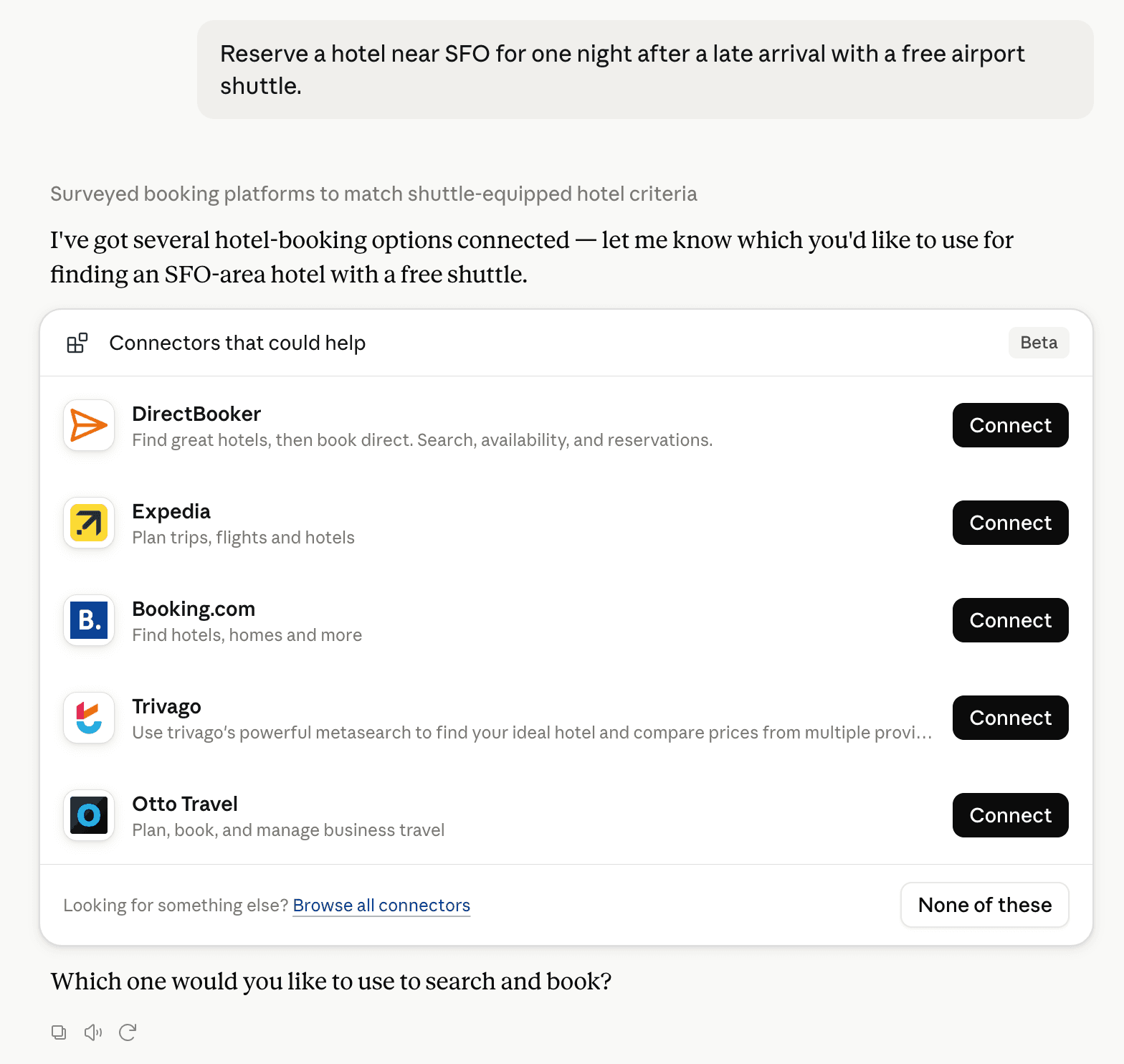
Claude can surface verified Connectors when they match a user’s Prompt.
How Claude Connector discovery works
Your Connector will compete to appear for users’ Prompts once Claude verifies it
Competitive lineup
48 tools agents can invoke

Qikify Checkout Customizer Claude Connector FAQ
How the directory, categories and Discoverability Score work.
Read the methodologyHow do I improve Qikify Checkout Customizer's Claude Connector discoverability?
The levers are the listing surface agents actually read: names, descriptions, keywords, tool metadata, and registry health. Which lever matters depends on where discovery breaks, which is what continuous measurement shows.
Where is this profile measured?
This profile uses the geography attached to the latest public registry snapshot: US. Locale tags are intentionally omitted.