



WaitQ
See your live queue, add walk-in guests and book appointments and tables in WaitQ, right from Claude.
 View in the Claude registry
- Brand
- Unknown
- Category
- Pending
- Primary Subcategory
- Pending
Integration details
Description
WaitQ runs digital queues, pick-up orders, bookings and guest lists for restaurants, hotels, salons, barbershops and shops. With the WaitQ connector, Claude can read your queues and booking lists, add guests, orders and bookings, and cancel them for you, so you can answer customers and keep everything up to date without opening the dashboard. Ask Claude: - "Who's waiting in the walk-in queue right now, and who has been called?" - "Book Allison Crawford for a gel manicure with Sofia on Friday at 3pm. Her email is allison@example.com." - "Does Marco have time for a cut on Saturday afternoon?" - "Add Louise, party of 4, to the dinner queue. Her number is +351 912 345 678." - "Cancel Louise's booking tomorrow and don't send her a message." - "Show me the details for guest 23: party size, services and their answers to our questions." Before adding or cancelling anything, Claude confirms the details with you and makes each change once. Everything appears on your WaitQ dashboard straight away, and your lists' rules (required fields, party size limits, marketing consent) still apply. Guests get your list's usual message on its default channel, unless you ask Claude not to notify them or to use another channel. Claude can't call, check in or reschedule guests, or change your settings. A business admin signs in to WaitQ and chooses the business to connect. Each connection works with one business, and admins can see and disconnect it under Integrations → Claude.
- Integration type
- Connector
- Verification status
 Community connector
- Platform
- Claude
- Category
- Pending
- Primary Subcategory
- Pending
- Secondary Subcategories
- None listed
- Brand
- Unknown
- Access
- Account required
- First tracked
- 2026-11-12
- Tool count
- 25
- Market
- US
The broad Category that contains the Primary Subcategory.
The Primary Subcategory used for this profile’s headline score.
Other Subcategories where the Integration is listed.
 AgentDiscoClaude Discoverability Score
Claude Connector discovery is coming soon
Community Connectors only appear in Claude’s registry.Once verified, organic discovery begins and we can calculate your score.Read more about Community Connector verification.
No spam. Unsubscribe any time.
What discovery looks like
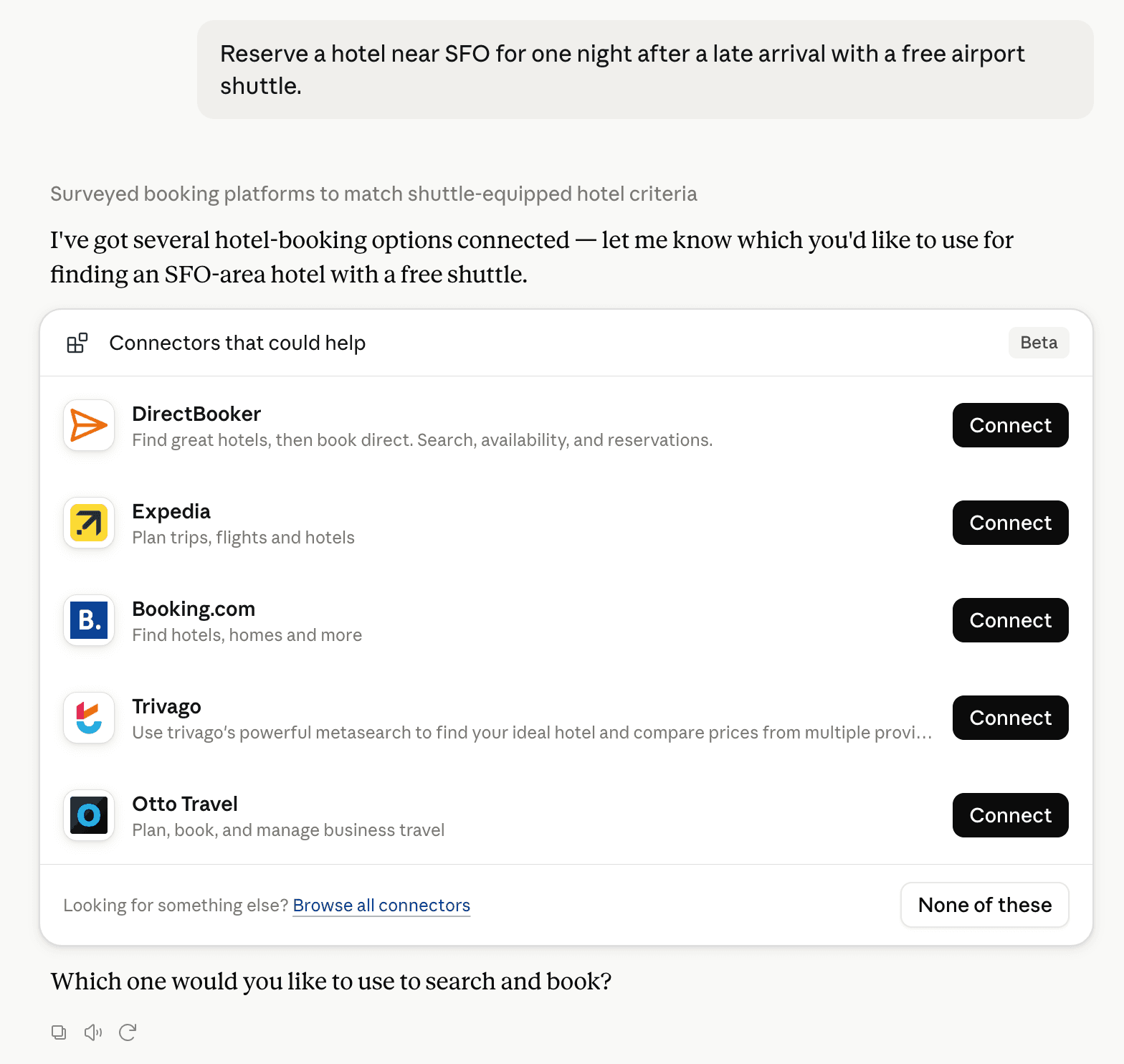
Claude can surface verified Connectors when they match a user’s Prompt.
How Claude Connector discovery works
Your Connector will compete to appear for users’ Prompts once Claude verifies it
Competitive lineup
25 tools agents can invoke

WaitQ Claude Connector FAQ
How the directory, categories and Discoverability Score work.
Read the methodologyHow do I improve WaitQ's Claude Connector discoverability?
The levers are the listing surface agents actually read: names, descriptions, keywords, tool metadata, and registry health. Which lever matters depends on where discovery breaks, which is what continuous measurement shows.
Where is this profile measured?
This profile uses the geography attached to the latest public registry snapshot: US. Locale tags are intentionally omitted.