



Brix
Manage your Brix digital signage from Claude: find screens, see why one is blank, put content on screens, create, change and delete items, and pull reports.
 View in the Claude registry
- Brand
- Brix
- Category
- Operations
- Primary Subcategory
- Digital Asset & Media Management
Integration details
Description
Brix is cloud software for running digital signage: menu boards, lobby screens, school hallways, retail windows. The Brix connector lets Claude work with your screens the way your team does in the Brix console, with the permissions you choose when you connect. Ask which screens are offline and why. Claude checks screen status, explains what a screen shows and why, lists its outages, and takes a screenshot to check. Put content on screens. Claude finds media and playlists by name, shows them on one screen, a location or every screen for a set time, changes what plays by default, posts an announcement, and fires a saved emergency alert. Create, change and remove every kind of item: screens, media, playlists, schedules, layouts, apps, data feeds, locations and more. Claude uploads files, pairs a new device by its code, and changes many items in one call. Deleted items stay in the recycle bin for 30 days. A permanent delete needs your yes first. People. Claude sees who is in the workspace and their roles, and invites a person with a role that does not manage access. Fix and report. Refresh, restart or clear a screen, turn its TV on or off, approve, reject or withdraw approval requests, refresh data feeds, and get uptime, proof of play and the audit log. You connect by signing in to Brix and choosing the workspace, optionally one location, and the permission areas Claude may use. You cannot give Claude a permission you do not have. Billing, payment, API keys and changes to a person's access stay in the Brix console. Every change is in your audit log, and you can revoke the connection under Settings > AI, API & MCP > Connected apps. Requires a Brix account. Start a free trial at brixsignage.com.
- Integration type
- Connector
- Verification status
 Community connector
- Platform
- Claude
- Primary Subcategory
- Digital Asset & Media Management
- Secondary Subcategories
- None listed
- Brand
- Brix
- Access
- Account required
- First tracked
- 2026-09-29
- Tool count
- 15
- Market
- US
The Primary Subcategory used for this profile’s headline score.
Other Subcategories where the Integration is listed.
 Agent DiscoverabilityClaude Discoverability Score
Claude Connector discovery is coming soon
Community Connectors only appear in Claude’s registry.Once verified, organic discovery begins and we can calculate your score.Read more about Community Connector verification.
No spam. Unsubscribe any time.
What discovery looks like
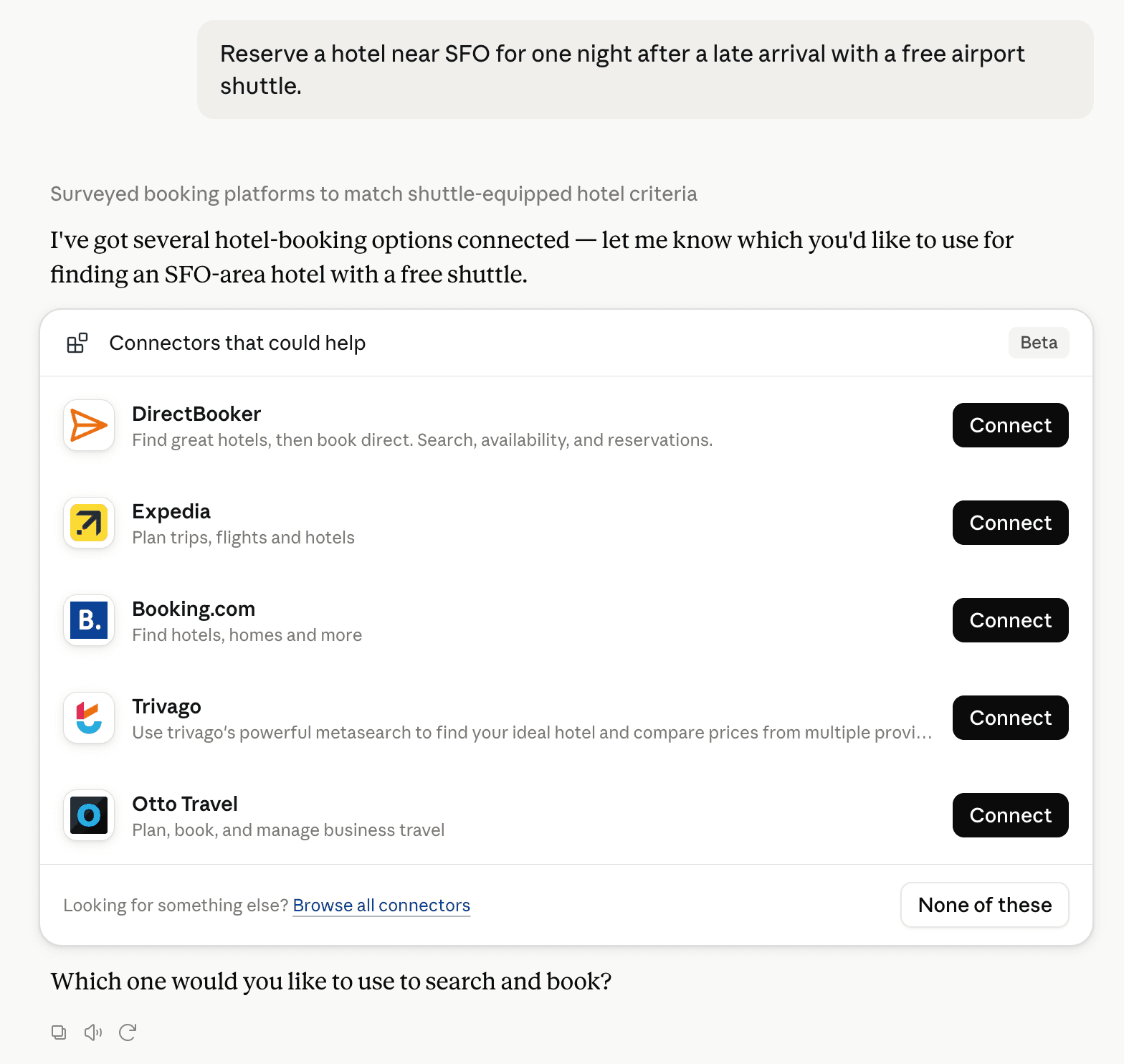
Claude can surface verified Connectors when they match a user’s Prompt.
How Claude Connector discovery works
Your Connector will compete to appear for users’ Prompts once Claude verifies it
Competing in Claude Digital Asset & Media Management
View Category

15 tools agents can invoke

Brix Claude Connector FAQ
How the directory, categories and Discoverability Score work.
Read the methodologyHow do I improve Brix's Claude Connector discoverability?
The levers are the listing surface agents actually read: names, descriptions, keywords, tool metadata, and registry health. Which lever matters depends on where discovery breaks, which is what continuous measurement shows.
What are Brix alternatives on Claude?
As of 2026-11-04, Brix competes with Adobe, Adobe Experience Manager, Google Drive, Frontify, Brandfetch, Cloudinary, Box, Files.com and 28 more in Claude Digital Asset & Media Management, ranked by public Discoverability Score.
Where is this profile measured?
This profile uses the geography attached to the latest public registry snapshot: US. Locale tags are intentionally omitted.