



Enablement Studio
Turn a described gap, a call transcript or a lesson outline into training material, and read and ask about your kits from Claude.
 View in the Claude registry
- Brand
- Enablement Studio
- Category
- Education
- Primary Subcategory
- Quiz & Assessment Authoring
Integration details
Description
Enablement Studio turns a performance gap described in plain words, a job posting or SOP, a call transcript, or a lesson outline into training material. It has three products: Role kits (skills, objectives, practice, a quiz, a 30-minute session and follow-ups), Call coaching (coaching notes and one fix from a call transcript) and Lesson critiques (alignment scores and a rewrite of the weakest part). What this connector does: - Starts Role, Call and Critic runs from text you paste into the chat. The finished kit is saved to your Library on enablementstudio.ai. - Reads your projects and kits, and a finished example kit for each product. - Asks one of a kit's specialists a question. A change the specialist proposes is not applied. It waits in Review on the site until you apply it there. - Shows your plan and how much of this period's allowance is left. What it cannot do: apply or reject a change, rename, move or delete anything, or reach account, billing or sign-in settings. Runs take pasted text only, not links or files. Claude asks you before each run or specialist question, because they use your plan's allowance. Before you connect: you need an Enablement Studio account with a confirmed email, and AI apps must be turned on for that account (access is in early access and set per email address). Connecting costs nothing. Runs count against the allowance of the account's existing plan. Your data: on the consent page you choose whether what you write may be sent to OpenAI to draft kits and answer questions. Without that choice the app can read kits but cannot start runs or ask specialists. When an app reads a kit it receives everything in the kit, including quiz answers and any names in a pasted transcript. What an AI app sends goes through a separate OpenAI project of ours that does not share it with OpenAI to improve its models. You can disconnect an app at any time in Settings, under AI apps.
- Integration type
- Connector
- Verification status
 Community connector
- Platform
- Claude
- Primary Subcategory
- Quiz & Assessment Authoring
- Secondary Subcategories
- None listed
- Brand
- Enablement Studio
- Access
- Account required
- First tracked
- 2026-11-14
- Tool count
- 9
- Market
- US
The Primary Subcategory used for this profile’s headline score.
Other Subcategories where the Integration is listed.
 AgentDiscoClaude Discoverability Score
Claude Connector discovery is coming soon
Community Connectors only appear in Claude’s registry.Once verified, organic discovery begins and we can calculate your score.Read more about Community Connector verification.
No spam. Unsubscribe any time.
What discovery looks like
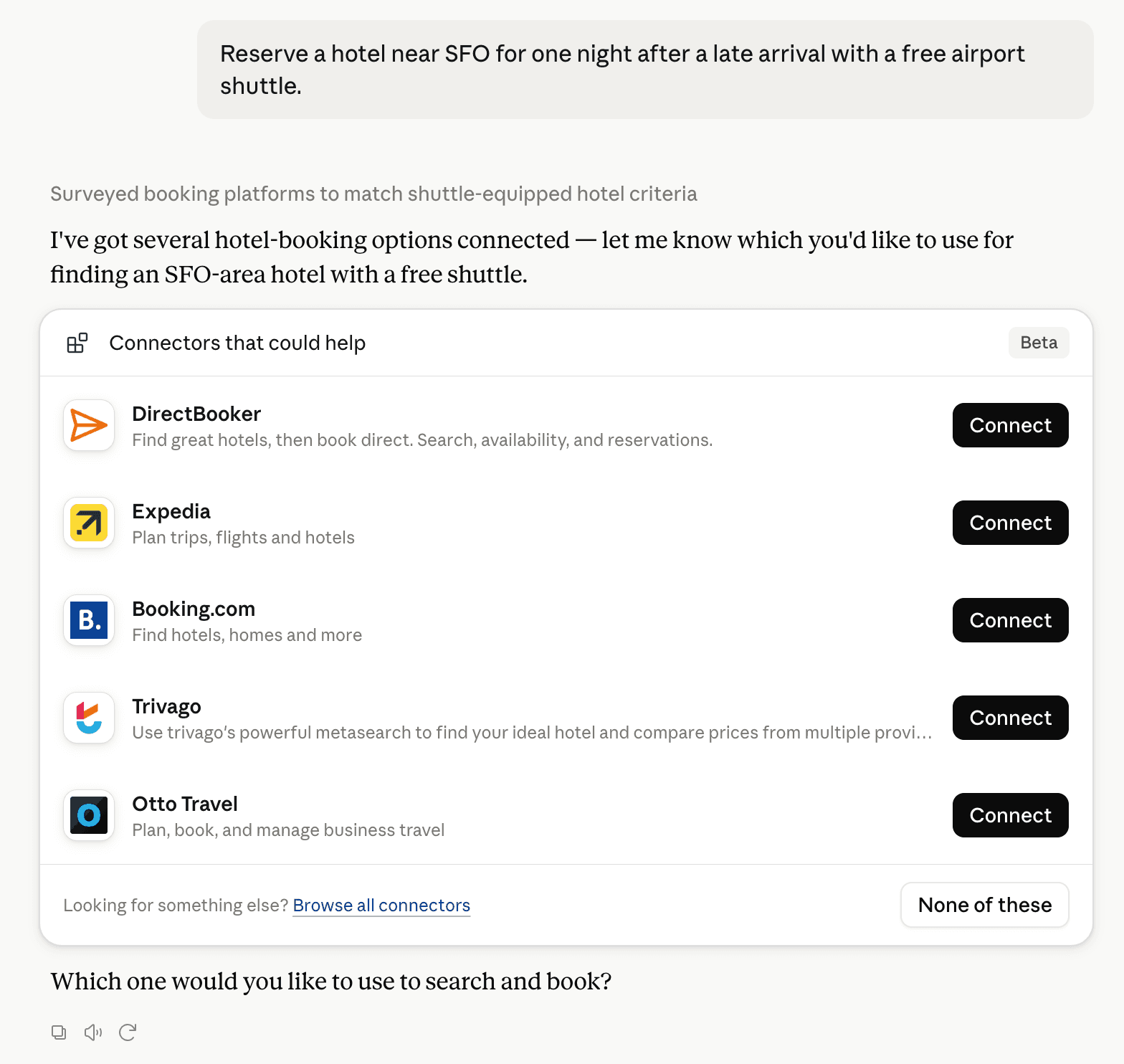
Claude can surface verified Connectors when they match a user’s Prompt.
How Claude Connector discovery works
Your Connector will compete to appear for users’ Prompts once Claude verifies it
Competing in Claude Quiz & Assessment Authoring
View Category9 tools agents can invoke

Enablement Studio Claude Connector FAQ
How the directory, categories and Discoverability Score work.
Read the methodologyHow do I improve Enablement Studio's Claude Connector discoverability?
The levers are the listing surface agents actually read: names, descriptions, keywords, tool metadata, and registry health. Which lever matters depends on where discovery breaks, which is what continuous measurement shows.
What are Enablement Studio alternatives on Claude?
As of 2026-11-15, Enablement Studio competes with Jotform, Kuliko AI, Brisk Teaching, Oak National Academy, Cognito Forms, Quizlet, Tally, Articulate EU and 12 more in Claude Quiz & Assessment Authoring, ranked by public Discoverability Score.
Where is this profile measured?
This profile uses the geography attached to the latest public registry snapshot: US. Locale tags are intentionally omitted.