



nifdi
Diagrams from conversation: architecture diagrams, flowcharts and system maps that nifdi lays out automatically and you can finish in a live visual editor.
 View in the Claude registry
- Brand
- nifdi
- Category
- Content & Design
- Primary Subcategory
- Diagramming & Flowchart Tools
Integration details
Description
nifdi draws block-and-connector diagrams: boxes, text and icons joined by arrows. Connect it to Claude and ask for a diagram in plain language, as you would a colleague: - "Draw the architecture of this repository, grouping services by deployment." - "Make a flowchart of the sign-up process described in this document." - "Recreate the diagram in this screenshot." - "Add a queue between the API and the worker, and label the arrow retries." - "Make every database the same colour, and line the services up in a row." nifdi works out the layout. Claude says what goes where, and nifdi sizes and places everything, routes the arrows around the boxes, and keeps labels attached to what they describe when anything moves. Claude is freed from tracking geometry and can focus on the content of the diagram. What you get: - Diagrams stored in your nifdi account, open in the nifdi visual editor and to every agent you connect. - A live editor link for any diagram. You see Claude's changes as they happen, and Claude builds on yours, so you can mix asking and editing, using whichever is quicker. - Rendered images in the chat, so Claude checks a diagram's appearance before calling it finished. - Icon libraries for use in your diagrams, searchable by name. - One shared change history per diagram. Every change records who made it, and either of you can undo or redo any change, including the other's. Tools cover creating and listing diagrams; inserting, moving, resizing, aligning, arranging and connecting blocks; setting text and styles; searching icons; rendering; and reading history, undo and redo. nifdi Hosted MCP is a paid feature. Sign in with your nifdi account when you connect; a free trial is available. Each connected agent is listed in your account settings, where you can disconnect it at any time. Developers who prefer diagrams as files in their own repository can use the free local nifdi MCP server instead.
- Integration type
- Connector
- Verification status
 Community connector
- Platform
- Claude
- Primary Subcategory
- Diagramming & Flowchart Tools
- Secondary Subcategories
- None listed
- Brand
- nifdi
- Access
- Account required
- First tracked
- 2026-11-01
- Tool count
- 28
- Market
- US
The Primary Subcategory used for this profile’s headline score.
Other Subcategories where the Integration is listed.
 Agent DiscoverabilityClaude Discoverability Score
Claude Connector discovery is coming soon
Community Connectors only appear in Claude’s registry.Once verified, organic discovery begins and we can calculate your score.Read more about Community Connector verification.
No spam. Unsubscribe any time.
What discovery looks like
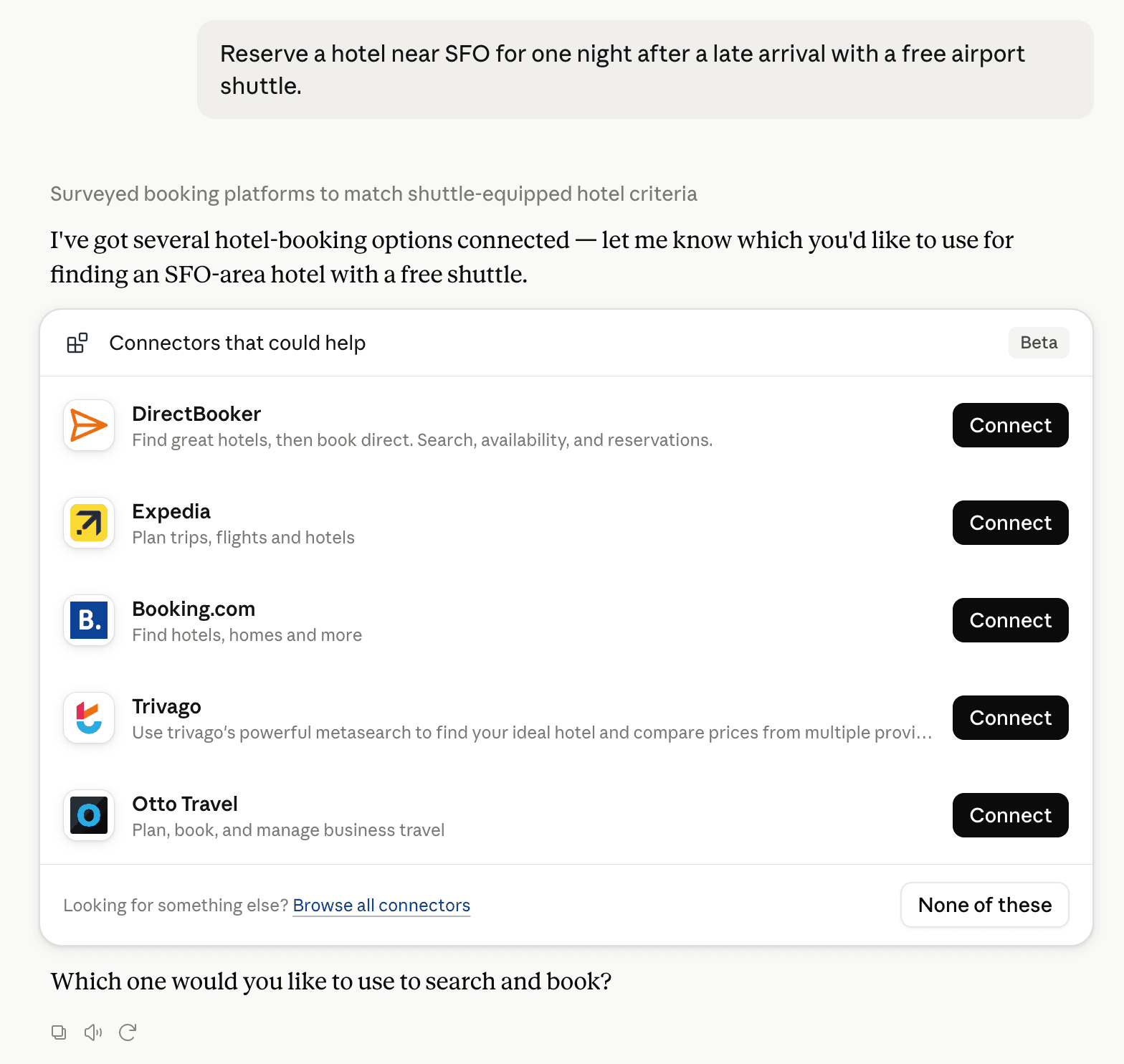
Claude can surface verified Connectors when they match a user’s Prompt.
How Claude Connector discovery works
Your Connector will compete to appear for users’ Prompts once Claude verifies it
Competing in Claude Diagramming & Flowchart Tools
View Category28 tools agents can invoke

nifdi Claude Connector FAQ
How the directory, categories and Discoverability Score work.
Read the methodologyHow do I improve nifdi's Claude Connector discoverability?
The levers are the listing surface agents actually read: names, descriptions, keywords, tool metadata, and registry health. Which lever matters depends on where discovery breaks, which is what continuous measurement shows.
What are nifdi alternatives on Claude?
As of 2026-11-03, nifdi competes with Lucid, Whimsical, Mermaid Chart, Miro, tldraw, Canva, Moda - Slides and Designs, Adobe and 19 more in Claude Diagramming & Flowchart Tools, ranked by public Discoverability Score.
Where is this profile measured?
This profile uses the geography attached to the latest public registry snapshot: US. Locale tags are intentionally omitted.