
PaperClerk
Generate contracts, letters, invoices and other documents from your saved PaperClerk templates, filled with details from the conversation, and download them as PDF.
 View in the Claude registry
- Brand
- PaperClerk
- Category
- Productivity
- Primary Subcategory
- PDF Editing & Conversion Tools
Integration details
Description
PaperClerk turns the documents a team sends again and again, such as contracts, letters, quotes, invoices and purchase orders, into saved templates with fillable fields. This connector lets Claude generate finished documents from the templates in your PaperClerk workspace. What Claude can do with it: - List the saved templates in the connected workspace and search them by title. - Read a template's text and its fields: each field's key, label, type (text, dropdown, number or date), allowed options, format and default value, plus repeating sections such as line items. - Generate a new document from a template with values from the conversation, including as many rows of a repeating section as needed. Dropdowns accept only their listed options, and numbers are written in the template's format. Today's date and running numbers are filled in by PaperClerk itself. - Show the generated document's pages in the chat, with buttons to download the PDF or open it in PaperClerk. - Find earlier generated documents by name, template, person or date, and reopen one with a fresh download link. Generating never changes the template. Each generated document is a new record whose content cannot be edited; to change one, generate it again. What it does not do: it cannot create, edit or delete templates, edit existing PDFs, send documents, collect signatures or take payments. Output is PDF and Markdown. Templates are written, or imported from Word, in the PaperClerk web app. Requirements: a PaperClerk account and a workspace on a PaperClerk plan. Every plan starts with a 7-day free trial, and a card is required. When you connect, you choose the workspace Claude may use, and the connection works with that workspace only. To use a different workspace, remove the connector and add it again. PDF download links work without sign-in for about one hour, so share them only with the people meant to see the document.
- Integration type
- Connector
- Verification status
 Community connector
- Platform
- Claude
- Primary Subcategory
- PDF Editing & Conversion Tools
- Secondary Subcategories
- None listed
- Brand
- PaperClerk
- Access
- Account required
- First tracked
- 2026-10-03
- Tool count
- 5
- Market
- US
The Primary Subcategory used for this profile’s headline score.
Other Subcategories where the Integration is listed.
 AgentDiscoClaude Discoverability Score
Claude Connector discovery is coming soon
Community Connectors only appear in Claude’s registry.Once verified, organic discovery begins and we can calculate your score.Read more about Community Connector verification.
No spam. Unsubscribe any time.
What discovery looks like
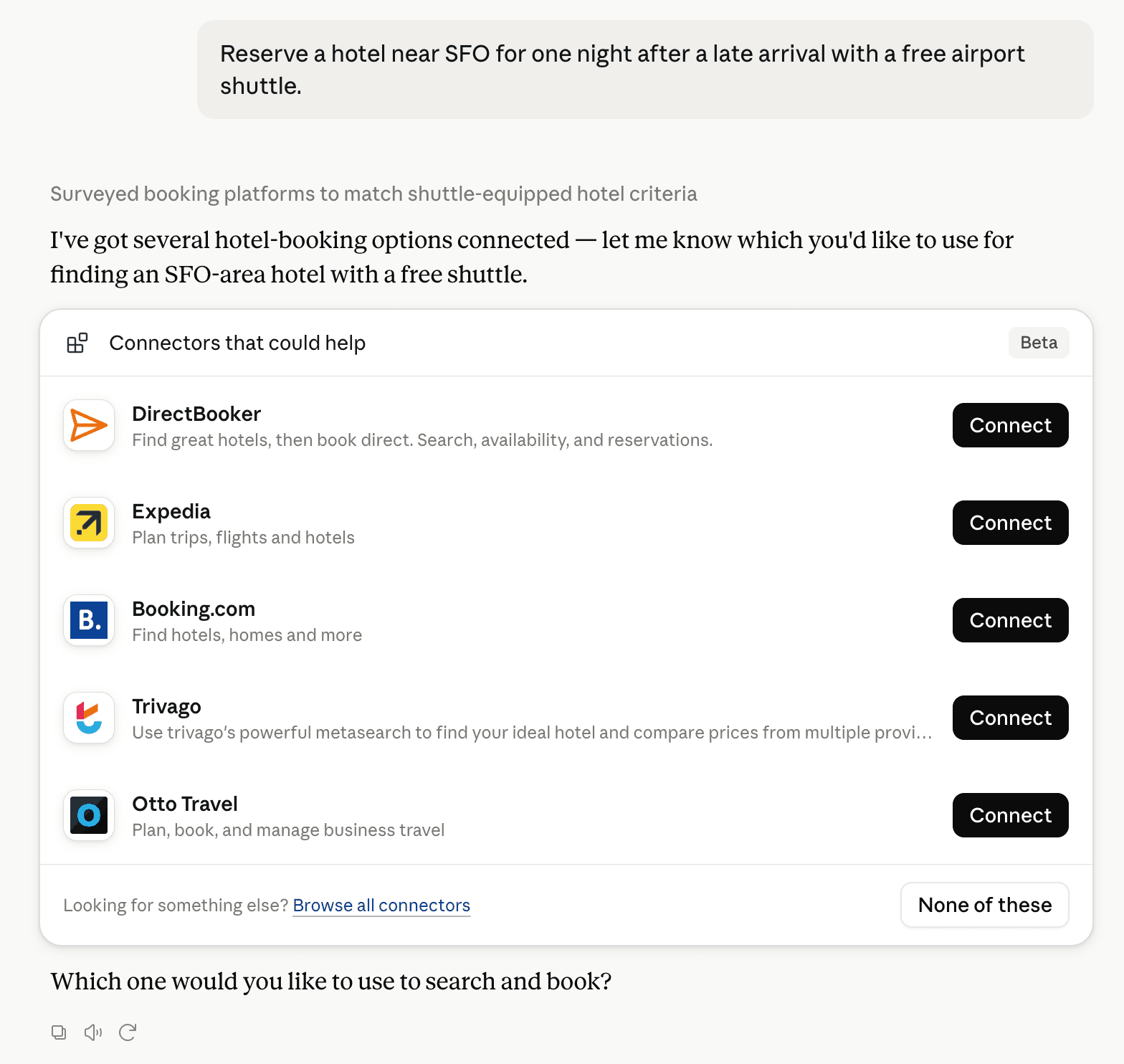
Claude can surface verified Connectors when they match a user’s Prompt.
How Claude Connector discovery works
Your Connector will compete to appear for users’ Prompts once Claude verifies it
Competing in Claude PDF Editing & Conversion Tools
View Category5 tools agents can invoke

PaperClerk Claude Connector FAQ
How the directory, categories and Discoverability Score work.
Read the methodologyHow do I improve PaperClerk's Claude Connector discoverability?
The levers are the listing surface agents actually read: names, descriptions, keywords, tool metadata, and registry health. Which lever matters depends on where discovery breaks, which is what continuous measurement shows.
What are PaperClerk alternatives on Claude?
As of 2026-11-20, PaperClerk competes with Adobe, Carbone, ChangeThisFile, CloudConvert, CloudRedaction, CyberNative public PDF accessibility check, Doocmin, Dynamic Document API and 25 more in Claude PDF Editing & Conversion Tools, ranked by public Discoverability Score.
Where is this profile measured?
This profile uses the geography attached to the latest public registry snapshot: US. Locale tags are intentionally omitted.