
Sharedocs
Read, summarise and file documents in your Sharedocs libraries, share them by email or link, and see who opened what.
 View in the Claude registry
- Brand
- Sharedocs
- Category
- Productivity
- Primary Subcategory
- Collaborative Docs & Workspaces
Integration details
Description
Sharedocs is a document sharing service for branded libraries: board packs, data rooms, client handovers and policy libraries that you share with the people who need them. This connector lets Claude work with the libraries you own or have been invited to, through your own Sharedocs account. Claude sees exactly what you can see in Sharedocs, and nothing more. With read access, Claude can: - list your libraries, documents and folders - read the text of PDF and Word documents and answer questions about them - give you a link to open any document (it works for 15 minutes) - list collaborators and read a library's audit log (owners and admins) With read and write access, Claude can also: - file something it has written, such as a summary or minutes, as a PDF - upload files, or import them from a public web link - replace a document with a new version (Personal plan and above) - rename a document, change its category or move it to a folder - create a new private library - share a library by Sharedocs email, or get a personal link for you to send - remove someone it added, and change who can open a library You stay in control of sharing. By default, every share Claude asks for waits for your approval, and so does making a library easier to open. You can allow email domains, or change these rules, in your Sharedocs security settings. Claude cannot delete documents or libraries. You choose read, or read and write, access when you connect. Every document Claude opens and every change it makes is recorded in the library's audit log under the assistant's name. You can disconnect at any time from Connected apps in your Sharedocs security settings, and library owners can turn off assistant access for any library. Works on every Sharedocs plan, Free included. Plan limits apply as they do in the web app.
- Integration type
- Connector
- Verification status
 Community connector
- Platform
- Claude
- Primary Subcategory
- Collaborative Docs & Workspaces
- Secondary Subcategories
- None listed
- Brand
- Sharedocs
- Access
- Account required
- First tracked
- 2026-10-16
- Tool count
- 22
- Market
- US
The Primary Subcategory used for this profile’s headline score.
Other Subcategories where the Integration is listed.
 Agent DiscoverabilityClaude Discoverability Score
Claude Connector discovery is coming soon
Community Connectors only appear in Claude’s registry.Once verified, organic discovery begins and we can calculate your score.Read more about Community Connector verification.
No spam. Unsubscribe any time.
What discovery looks like
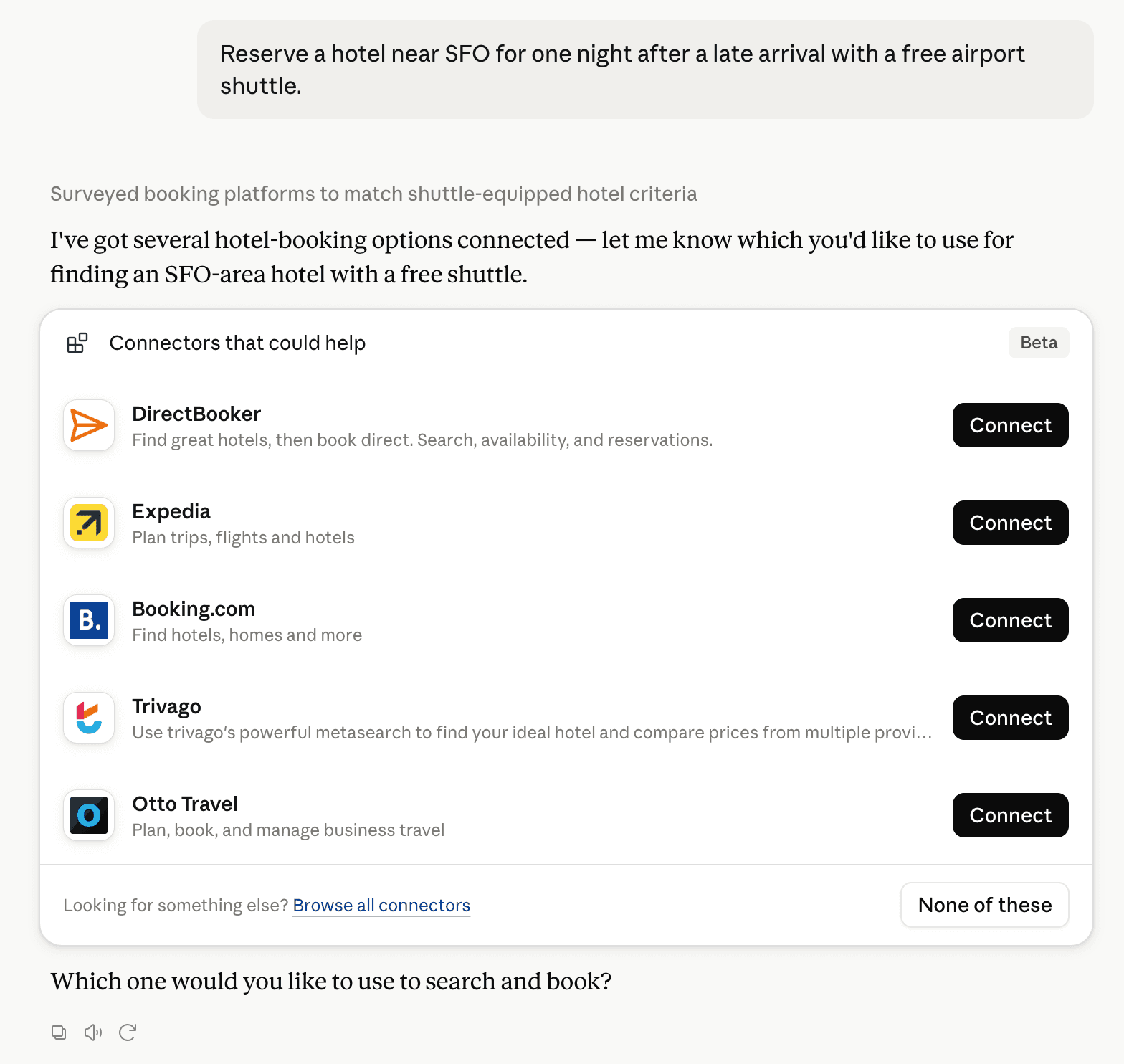
Claude can surface verified Connectors when they match a user’s Prompt.
How Claude Connector discovery works
Your Connector will compete to appear for users’ Prompts once Claude verifies it
Competing in Claude Collaborative Docs & Workspaces
View Category
22 tools agents can invoke

Sharedocs Claude Connector FAQ
How the directory, categories and Discoverability Score work.
Read the methodologyHow do I improve Sharedocs's Claude Connector discoverability?
The levers are the listing surface agents actually read: names, descriptions, keywords, tool metadata, and registry health. Which lever matters depends on where discovery breaks, which is what continuous measurement shows.
What are Sharedocs alternatives on Claude?
As of 2026-11-02, Sharedocs competes with Notion, Atlassian MCP, monday.com, Superhuman Docs, Google Drive, Asana, Linear, Slack and 41 more in Claude Collaborative Docs & Workspaces, ranked by public Discoverability Score.
Where is this profile measured?
This profile uses the geography attached to the latest public registry snapshot: US. Locale tags are intentionally omitted.