



SuperApp HQ
Ask about your business's orders, sales, menus and customers in plain language. Read-only, scoped to your outlets, with customer contact details masked.
 View in the Claude registry
- Brand
- SuperApp HQ
- Category
- Commerce
- Primary Subcategory
- ERP & Operational Business Data
Integration details
Description
Connect SuperApp HQ to Claude and ask what your admin dashboard would otherwise take five screens to show you: how yesterday went at each outlet, what was in order 1052, whether an item is sold out, or whether a phone number has ordered before. You sign in with the email and password you already use for your SuperApp HQ admin dashboard. Claude then sees exactly what your role can see. Outlet owners and managers see only their own outlet; admins see the whole business. What it can read: • Orders — any date range up to 31 days, filtered by status, outlet or channel, and any single order in full. • Sales — order count, gross sales, average order value, tips and cancellation rate, by day, outlet, channel or order type, plus your best-selling items. • Menu and catalogue — categories and items with prices, sold-out and temporarily-off state, and per-channel price overrides. On a business with several outlets, Claude asks which outlet you mean. • Customers — find a customer by part of a name, phone or email, and see their order history, wallet and rewards balances. What it cannot do: it changes nothing. There are no tools that edit orders, menus, availability or customers. Customer phone numbers and emails are always masked, and payment credentials are never returned. You can disconnect every assistant at once from your admin dashboard (profile menu → Disconnect AI assistants), and access ends within a minute of your role changing.
- Integration type
- Connector
- Verification status
 Community connector
- Platform
- Claude
- Primary Subcategory
- ERP & Operational Business Data
- Secondary Subcategories
- None listed
- Brand
- SuperApp HQ
- Access
- Account required
- First tracked
- 2026-11-07
- Tool count
- 8
- Market
- US
The Primary Subcategory used for this profile’s headline score.
Other Subcategories where the Integration is listed.
 AgentDiscoClaude Discoverability Score
Claude Connector discovery is coming soon
Community Connectors only appear in Claude’s registry.Once verified, organic discovery begins and we can calculate your score.Read more about Community Connector verification.
No spam. Unsubscribe any time.
What discovery looks like
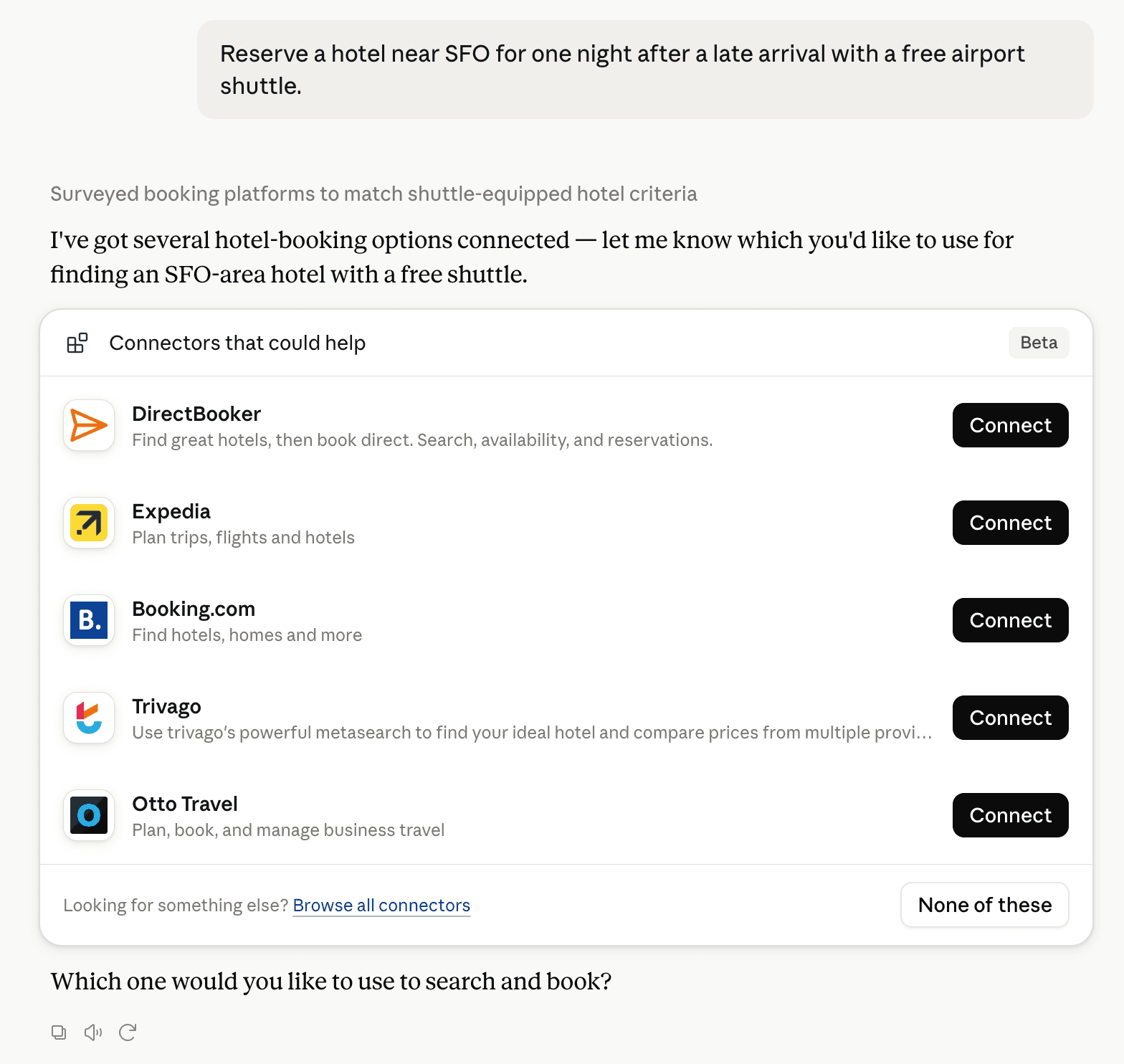
Claude can surface verified Connectors when they match a user’s Prompt.
How Claude Connector discovery works
Your Connector will compete to appear for users’ Prompts once Claude verifies it
Competing in Claude ERP & Operational Business Data
View Category8 tools agents can invoke

SuperApp HQ Claude Connector FAQ
How the directory, categories and Discoverability Score work.
Read the methodologyHow do I improve SuperApp HQ's Claude Connector discoverability?
The levers are the listing surface agents actually read: names, descriptions, keywords, tool metadata, and registry health. Which lever matters depends on where discovery breaks, which is what continuous measurement shows.
What are SuperApp HQ alternatives on Claude?
As of 2026-11-08, SuperApp HQ competes with Zoho Books, NetSuite, AnythingMCP, Intuit QuickBooks, Intuit QuickBooks Labs, ShipBob, Meridian Connector for QuickBooks, Meridian Connector for Xero and 63 more in Claude ERP & Operational Business Data, ranked by public Discoverability Score.
Where is this profile measured?
This profile uses the geography attached to the latest public registry snapshot: US. Locale tags are intentionally omitted.