



watsi
Ask your WhatsApp CRM anything: contacts, conversations, appointments, quotes and analytics from your watsi workspace — and configure your AI agent.
 View in the Claude registry
- Brand
- watsi
- Category
- Sales & CRM
- Primary Subcategory
- AI Chat & Messaging Agents
Integration details
Description
watsi is a WhatsApp CRM with an AI agent that answers your customers. This connector gives an AI client read access to that workspace — your contacts, your WhatsApp conversations and their AI summaries, your appointments, your quotes, your message templates, your integrations, your billing status and your analytics — so you can ask about your business in plain language instead of clicking through a dashboard. It also has write tools. Each one needs a write scope that is listed by name and **unchecked by default** on the consent screen, and each announces itself to your client as a mutation (`readOnlyHint: false`) with a `destructiveHint` saying whether it replaces or removes data: - **AI agent setup:** the agent, its configuration, voice settings, assignment policy and files (`agents:write`), its knowledge (`knowledge:write`) and the team's schedules (`scheduling:write`). - **Conversations:** set or clear the estado label on a chat (`conversations:write`). - **Quotes:** create and change drafts, which reach no one (`quotes:write`), and send a quote to its customer (`quote_sends:write`). Sending takes two calls: a preview with a token, then a confirmation with that token. - **Video calls:** turn the meeting assistant on or off for an appointment, or set which appointments it joins (`meetings:write`). Reading your calls and their transcripts takes `meetings:read`, granted with the other reads. There is no general messaging tool: the only thing this connector can send to a customer is a quote, optionally with a short note. It moves no money. Access is per workspace: you sign in to watsi, pick one workspace, and approve the scopes. The token is bound to that workspace and to this server. Every successful call is recorded with the credential, the tool and the row count. No conversation content is stored by the connector; it reads from your workspace and returns the answer.
- Integration type
- Connector
- Verification status
 Community connector
- Platform
- Claude
- Primary Subcategory
- AI Chat & Messaging Agents
- Secondary Subcategories
- None listed
- Brand
- watsi
- Access
- Account required
- First tracked
- 2026-11-06
- Tool count
- 52
- Market
- US
The Primary Subcategory used for this profile’s headline score.
Other Subcategories where the Integration is listed.
 AgentDiscoClaude Discoverability Score
Claude Connector discovery is coming soon
Community Connectors only appear in Claude’s registry.Once verified, organic discovery begins and we can calculate your score.Read more about Community Connector verification.
No spam. Unsubscribe any time.
What discovery looks like
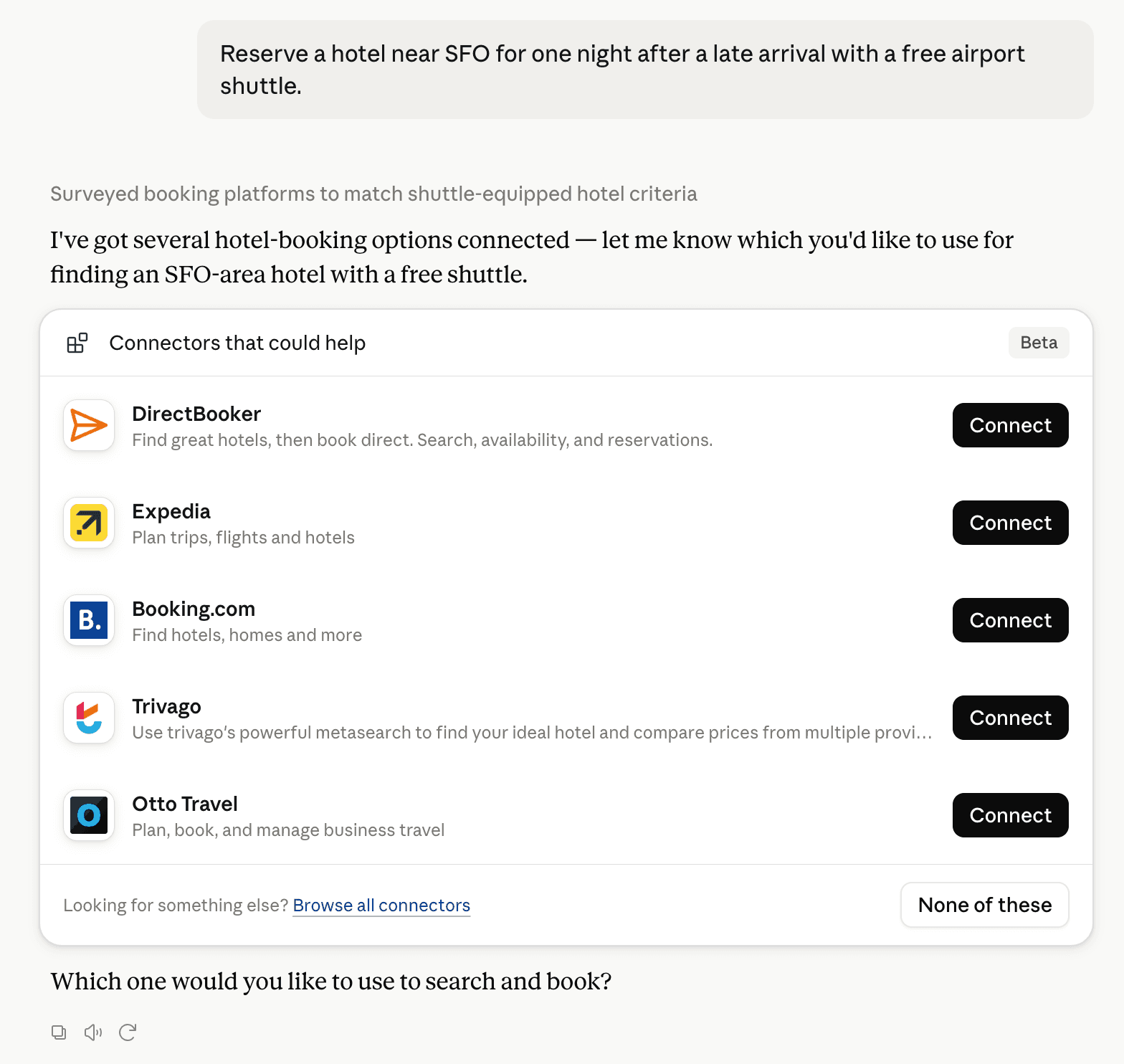
Claude can surface verified Connectors when they match a user’s Prompt.
How Claude Connector discovery works
Your Connector will compete to appear for users’ Prompts once Claude verifies it
Competing in Claude AI Chat & Messaging Agents
View Category52 tools agents can invoke

watsi Claude Connector FAQ
How the directory, categories and Discoverability Score work.
Read the methodologyHow do I improve watsi's Claude Connector discoverability?
The levers are the listing surface agents actually read: names, descriptions, keywords, tool metadata, and registry health. Which lever matters depends on where discovery breaks, which is what continuous measurement shows.
What are watsi alternatives on Claude?
As of 2026-11-17, watsi competes with Chatbase, Richpanel AI, Zoho Desk, Intercom, Unthread, MyChatBot, LetsBot, Bird and 87 more in Claude AI Chat & Messaging Agents, ranked by public Discoverability Score.
Where is this profile measured?
This profile uses the geography attached to the latest public registry snapshot: US. Locale tags are intentionally omitted.