
Loopthink for Odoo
Ask about the contacts, sales, invoices, stock, CRM and projects in your Odoo database in plain language. Read-only unless you allow more. Odoo 19 and newer.
 View in the Claude registry
- Brand
- Loopthink
- Category
- Developer Tools
- Primary Subcategory
- ERP & Operational Business Data
Integration details
Description
Ask about the contacts, sales, invoices, stock, CRM and projects in your Odoo database in plain language. Read-only unless you allow more. Odoo 19 and newer. What you can ask: - Which sales orders were confirmed this week, and what is their total? - Which customer invoices are posted but not paid? - Which products are below five pieces in stock? - How many open leads does each salesperson have? - How many hours were logged on project Website Relaunch this month? How it works: 1. Add the app and sign in with Google or Microsoft. Your Loopthink account is created on the spot. 2. Right after sign-in, a form on our page asks for the address of your Odoo and an API key (in Odoo under My Preferences > Account Security > New API Key), and whether changes are allowed. We run one read to test it. Credentials are entered there, never in the chat. 3. Ask in Claude. Nothing needs refreshing after you connect. Read-only by default: - Everything is read-only by default: records are searched, counted and read. - Creating and updating records stays off unless you tick "Also allow changes" on the form, or an admin allows it later. Claude asks you before each change. Nothing is ever deleted. - The app sees the models that are enabled for the server, 15 common ones to start with. An admin adds or removes models in Loopthink. - The API key carries the access rights and record rules of its Odoo user. A user of its own with only the apps it needs is the safest choice. - Needs Odoo 19 or newer (JSON-2 API). On Odoo Online the external API is part of the Custom plan. Built for teams: - Every person signs in with their own account. - Access is granted per member group, reading and writing separately. - Every call is logged with who ran it.
- Integration type
- Connector
- Verification status
 Community connector
- Platform
- Claude
- Primary Subcategory
- ERP & Operational Business Data
- Secondary Subcategories
- None listed
- Brand
- Loopthink
- Access
- Account required
- First tracked
- 2026-11-18
- Tool count
- 11
- Market
- US
The Primary Subcategory used for this profile’s headline score.
Other Subcategories where the Integration is listed.
 AgentDiscoClaude Discoverability Score
Claude Connector discovery is coming soon
Community Connectors only appear in Claude’s registry.Once verified, organic discovery begins and we can calculate your score.Read more about Community Connector verification.
No spam. Unsubscribe any time.
What discovery looks like
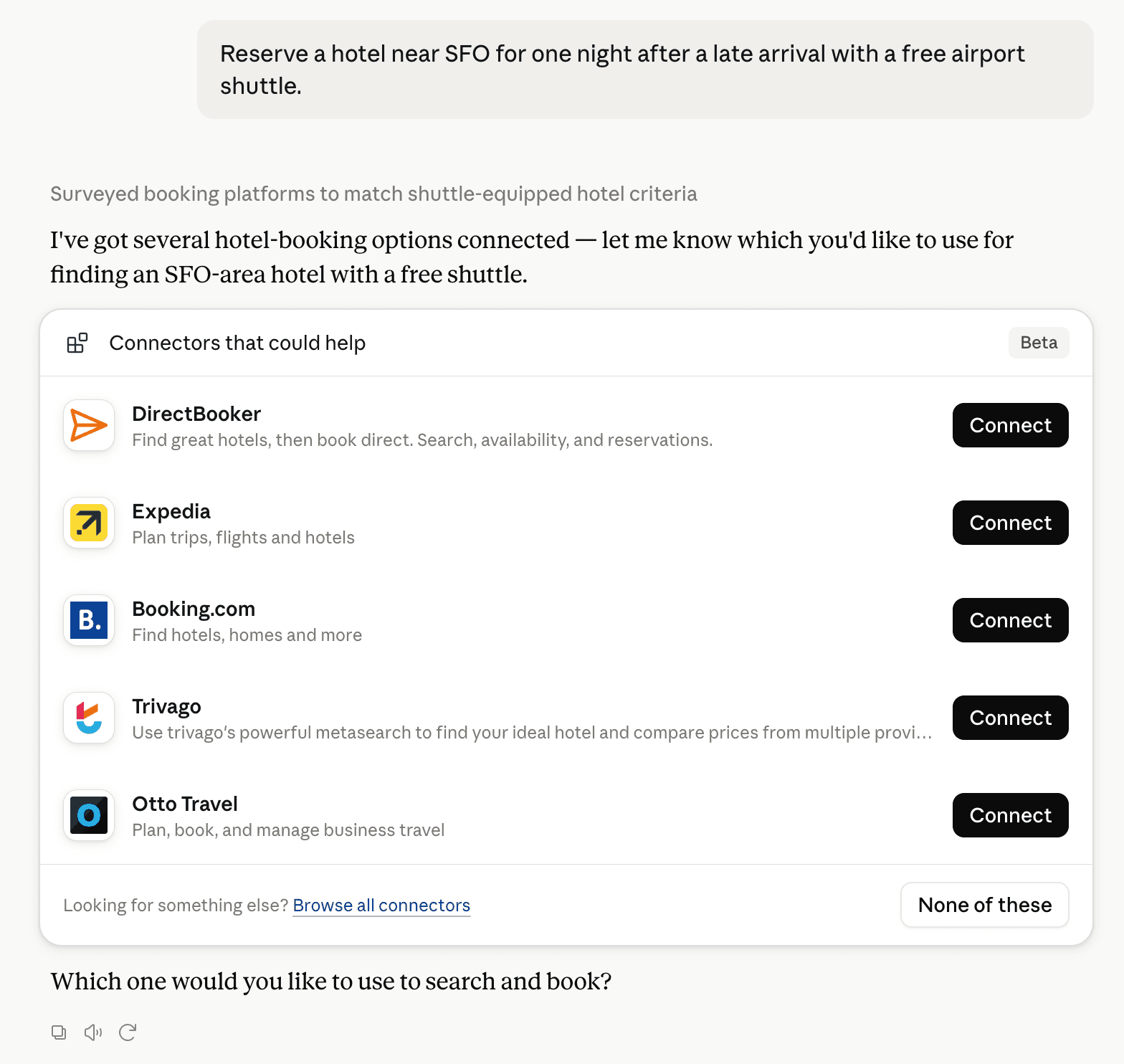
Claude can surface verified Connectors when they match a user’s Prompt.
How Claude Connector discovery works
Your Connector will compete to appear for users’ Prompts once Claude verifies it
Competing in Claude ERP & Operational Business Data
View Category
11 tools agents can invoke

Loopthink for Odoo Claude Connector FAQ
How the directory, categories and Discoverability Score work.
Read the methodologyHow do I improve Loopthink for Odoo's Claude Connector discoverability?
The levers are the listing surface agents actually read: names, descriptions, keywords, tool metadata, and registry health. Which lever matters depends on where discovery breaks, which is what continuous measurement shows.
What are Loopthink for Odoo alternatives on Claude?
As of 2026-11-25, Loopthink for Odoo competes with NetSuite, Zoho Books, AnythingMCP, Meridian Connector for QuickBooks, Meridian Connector for Xero, Intuit QuickBooks, Intuit QuickBooks Labs, Zip and 95 more in Claude ERP & Operational Business Data, ranked by public Discoverability Score.
Where is this profile measured?
This profile uses the geography attached to the latest public registry snapshot: US. Locale tags are intentionally omitted.