



RenRaku
Use your RenRaku customer inbox (email and LINE Official Account) from Claude: search conversations, customers and tasks, read attachments, update status and tags, and save reply drafts.
 View in the Claude registry
- Brand
- RenRaku
- Category
- Customer Support
- Primary Subcategory
- Helpdesk & Ticketing Platforms
Integration details
Description
RenRaku brings your customer conversations from LINE Official Accounts and email into one shared inbox. With this connector, Claude can work with conversations, customers and tasks within the permissions of your own RenRaku account. What you can do - Search and read conversations (rooms) and customers - Read attachments (images, PDF, text), if you allow it when connecting - Read a room's internal notes (Standard plan and above) - Search tasks and list members (Standard plan and above) - Change status, the needs-attention flag and tags; move a room to another tab - Create, update and complete tasks (Standard plan and above) - Write and save reply drafts Before you start - Requires a RenRaku account; your company admin must first turn on AI integration (MCP) in RenRaku settings. - Sending replies to customers is off by default; only companies whose admin turns it on can use it, and the admin can require approval for each reply. - When connecting, you choose what Claude can see and change (read-only by default). - Admins can pause all AI access, exclude rooms from AI, and review the AI activity log. - Connections expire after 30 days unused and must be re-authorized every 90 days; you can disconnect anytime in RenRaku settings. ――― 日本語 ――― RenRaku は、LINE 公式アカウントとメールのお客様とのやり取りを 1 つの画面にまとめて返信・管理するサービスです。このコネクタを接続すると、Claude から、ご自身の RenRaku アカウントの権限の範囲で、会話・顧客・タスクを利用できます。 主な機能 ・会話(ルーム)・顧客の検索と閲覧 ・添付ファイル(画像・PDF・テキスト)の中身の閲覧(接続の際に許可した場合のみ) ・ルームの社内メモの閲覧(スタンダード以上のプラン) ・タスクの検索と、社員の一覧の取得(スタンダード以上のプラン) ・ステータス・要対応・タグの変更、ルームを別のタブへ移動 ・タスクの作成・更新・完了(スタンダード以上のプラン) ・返信の下書きの作成と保存 ご利用にあたって ・RenRaku のアカウントが必要です。会社の管理者が RenRaku の設定で AI 連携(MCP)を有効にするまで、接続できません。 ・管理者が許可した会社に限り、お客様への返信の送信にも対応します(初期状態では送信できません。管理者は、送信のたびに承認を必要にできます)。 ・接続の際に、Claude に見せる範囲と変更を許可する範囲を、ご自身で選択できます。初期状態では閲覧の範囲のみが選択されています。 ・管理者は、すべての AI の一時停止、AI に触らせないルームの指定、AI の活動記録の確認ができます。 ・接続は、30 日間使用しないと切れます。また、許可から 90 日ごとに再度の許可が必要です。いつでも RenRaku の設定から解除できます。 手順: https://tech-sync.jp/renraku/connect-ai/
- Integration type
- Connector
- Verification status
 Community connector
- Platform
- Claude
- Primary Subcategory
- Helpdesk & Ticketing Platforms
- Secondary Subcategories
- None listed
- Brand
- RenRaku
- Access
- Account required
- First tracked
- 2026-10-17
- Tool count
- 21
- Market
- US
The Primary Subcategory used for this profile’s headline score.
Other Subcategories where the Integration is listed.
 AgentDiscoClaude Discoverability Score
Claude Connector discovery is coming soon
Community Connectors only appear in Claude’s registry.Once verified, organic discovery begins and we can calculate your score.Read more about Community Connector verification.
No spam. Unsubscribe any time.
What discovery looks like
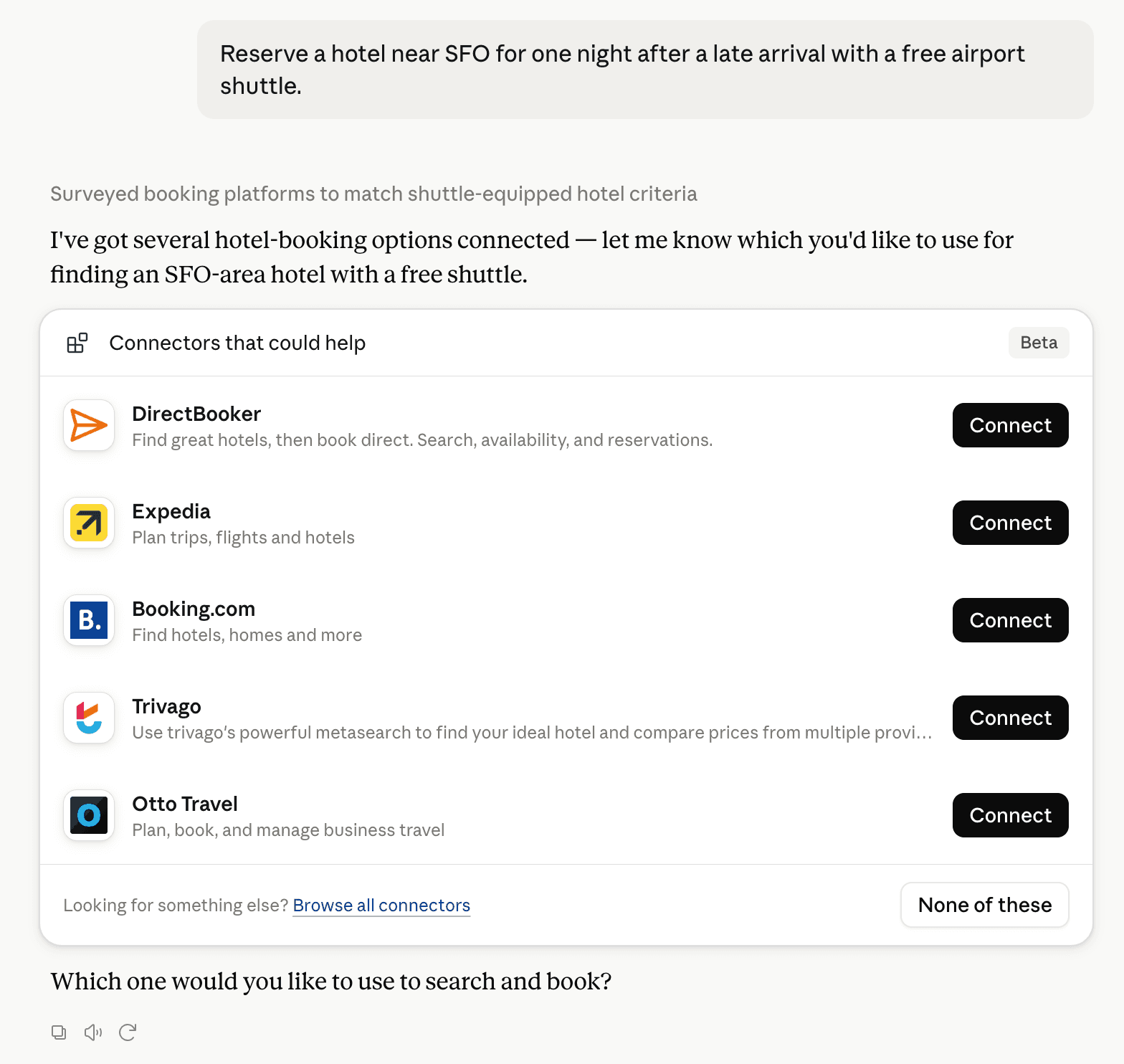
Claude can surface verified Connectors when they match a user’s Prompt.
How Claude Connector discovery works
Your Connector will compete to appear for users’ Prompts once Claude verifies it
Competing in Claude Helpdesk & Ticketing Platforms
View Category
21 tools agents can invoke

RenRaku Claude Connector FAQ
How the directory, categories and Discoverability Score work.
Read the methodologyHow do I improve RenRaku's Claude Connector discoverability?
The levers are the listing surface agents actually read: names, descriptions, keywords, tool metadata, and registry health. Which lever matters depends on where discovery breaks, which is what continuous measurement shows.
What are RenRaku alternatives on Claude?
As of 2026-11-15, RenRaku competes with Zoho Desk, Chatbase, Freshservice, Richpanel AI, Risotto, Pylon, Atlassian MCP, DevRev and 44 more in Claude Helpdesk & Ticketing Platforms, ranked by public Discoverability Score.
Where is this profile measured?
This profile uses the geography attached to the latest public registry snapshot: US. Locale tags are intentionally omitted.