
LIKYLY
Set up and run your store's product recommendations from Claude: catalog import, placements, integration code, checks, and performance per placement and per product.
 View in the Claude registry
- Brand
- LIKYLY
- Category
- Commerce
- Primary Subcategory
- Ecommerce Operations Platforms
Integration details
Description
LIKYLY adds personalized product recommendations to an online store or an app ("You may also like", "Recommended for you", "Complete your cart") and lets you set them up and run them from a conversation. Connected to your LIKYLY account, Claude can: - Connect a product catalog published at an address (CSV or JSON file, REST API without a key), import it and check the import. Shopify, Magento, WooCommerce and APIs behind a key are connected with the LIKYLY wizard, plugin or app, so no password or key goes through the conversation. - Create and tune recommendation placements: the page they appear on, the method (similar content, collaborative, hybrid, browsing session, popular), how many products, and business rules. - Check which products a placement returns for a given product or visitor, and why. - Give you the integration code for the stack you name (React, Next.js, Vue, Svelte or plain JavaScript) and the events your site should send. - Check the integration and each placement's health from the events your site actually sends. - Report how your recommendations perform: products shown, clicks, purchases and revenue attributed to them, per placement and per product. - Report on the recommendation model: version in production, precision and training history. In a chat, Claude does not edit your site's code itself: it gives you the code to add, or points you to the LIKYLY wizard (npx @likyly/wizard) for Claude Code, the WordPress plugin or the Shopify app. It never sees your secret keys or billing details and cannot delete your account. Actions that change what your live site shows are marked as such, so you approve each one. When you connect, you sign in to LIKYLY (or create an account) and choose the one workspace Claude may act on. You can remove this access at any time from Claude or from your LIKYLY account (Security page).
- Integration type
- Connector
- Verification status
 Community connector
- Platform
- Claude
- Primary Subcategory
- Ecommerce Operations Platforms
- Secondary Subcategories
- None listed
- Brand
- LIKYLY
- Access
- Account required
- First tracked
- 2026-11-24
- Tool count
- 29
- Market
- US
The Primary Subcategory used for this profile’s headline score.
Other Subcategories where the Integration is listed.
 AgentDiscoClaude Discoverability Score
Claude Connector discovery is coming soon
Community Connectors only appear in Claude’s registry.Once verified, organic discovery begins and we can calculate your score.Read more about Community Connector verification.
No spam. Unsubscribe any time.
What discovery looks like
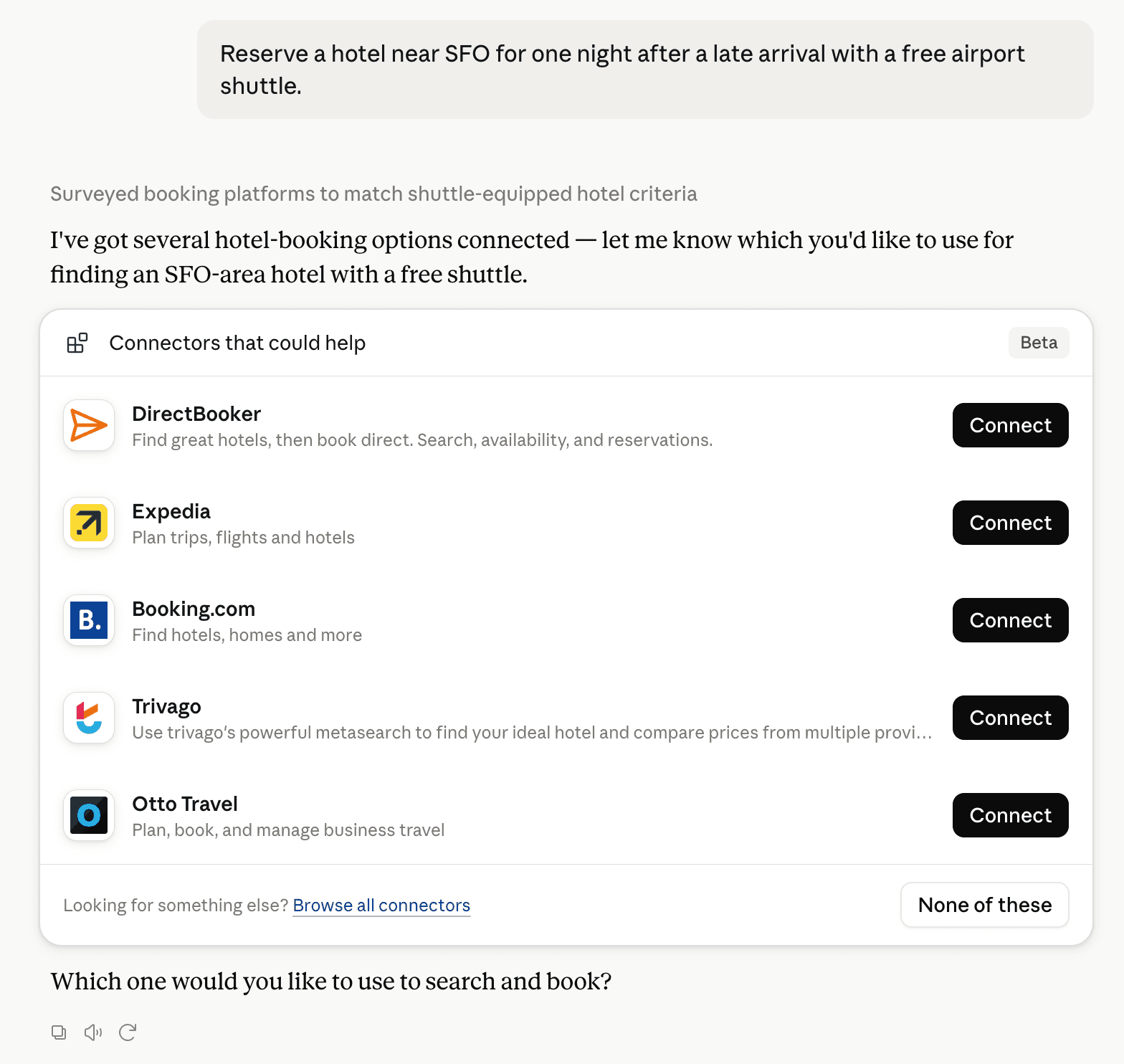
Claude can surface verified Connectors when they match a user’s Prompt.
How Claude Connector discovery works
Your Connector will compete to appear for users’ Prompts once Claude verifies it
Competing in Claude Ecommerce Operations Platforms
View Category


29 tools agents can invoke

LIKYLY Claude Connector FAQ
How the directory, categories and Discoverability Score work.
Read the methodologyHow do I improve LIKYLY's Claude Connector discoverability?
The levers are the listing surface agents actually read: names, descriptions, keywords, tool metadata, and registry health. Which lever matters depends on where discovery breaks, which is what continuous measurement shows.
What are LIKYLY alternatives on Claude?
As of 2026-11-25, LIKYLY competes with Shopify, ShipBob, Squarespace, AfterShip Channels for TikTok Shop, AfterShip Post-Purchase, Shippo, Amazon Selling Partner, Razorpay and 215 more in Claude Ecommerce Operations Platforms, ranked by public Discoverability Score.
Where is this profile measured?
This profile uses the geography attached to the latest public registry snapshot: US. Locale tags are intentionally omitted.